
How to Change a Toyota Key Fob Battery
Is your Toyota remote taking several presses to unlock the doors, or only working when you are right next to your car? A weak coin-cell battery is one possible cause. A Toyota key fob battery replacement is often a simple DIY job, but the battery and opening method vary by model, model year, and key design.
Signs Your Toyota Key Fob Battery Is Dying
A failing coin cell may cause reduced range, delayed unlocking, intermittent button response, or a battery alert on some smart-key vehicles. These symptoms can also result from interference or remote damage.
What Battery Does a Toyota Key Fob Use?
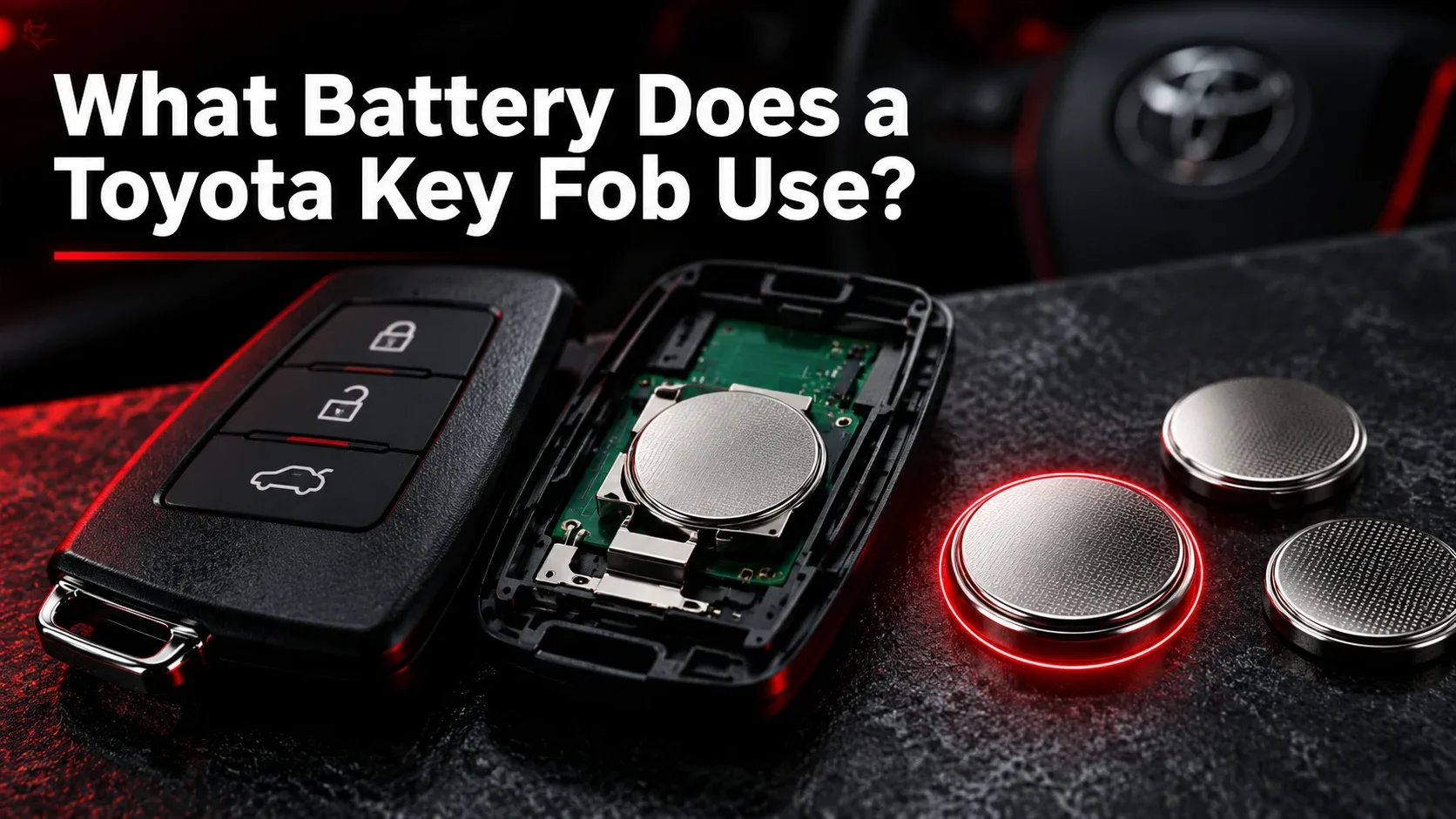
There is no single battery for every Toyota remote. Depending on the exact vehicle and fob design, Toyota keys may use CR2032, CR2450, CR2016, or other sizes. Check your owner’s manual and the printing on the original battery rather than selecting a cell based on appearance.
Tools Needed for a Toyota Key Battery Change
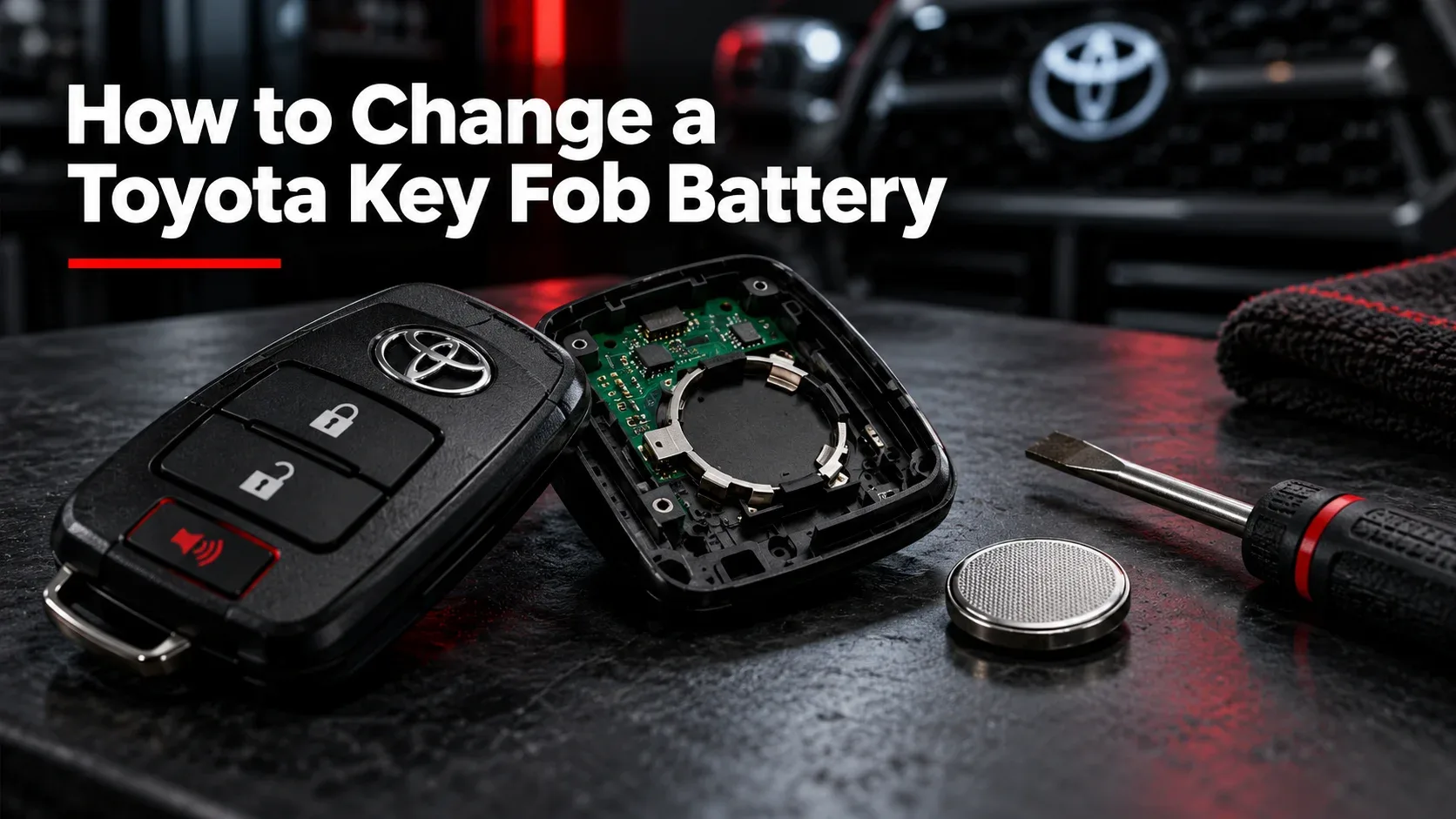
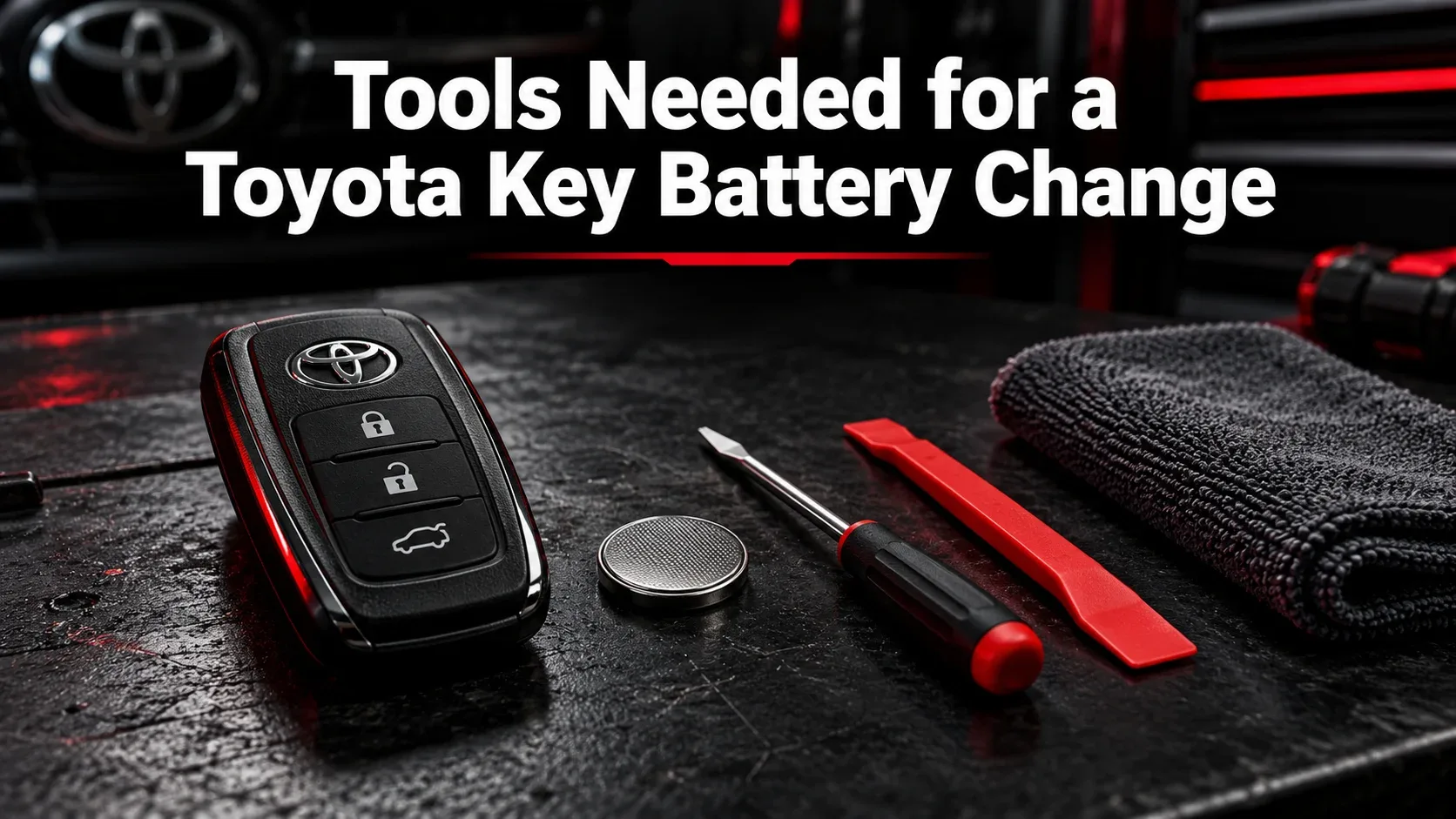
Prepare the specified replacement coin cell, a clean cloth, and a small screwdriver or plastic opening tool if recommended for your remote. Work on a dry, well-lit surface away from children.
| Battery | Compatibility guidance |
|---|---|
| CR2032 | Used in some Toyota remote key systems; verify exact model. |
| CR2450 | Used in some Toyota smart keys; verify exact model. |
| CR2016 / CR1632 | Found in certain other key designs; check manual and original cell. |
For example, some 2023 Corolla configurations specify CR2032 for non-smart keys and CR2450 for smart keys. This is an example, not a cross-model compatibility table.
How to Replace a Toyota Key Fob Battery: Step-by-Step
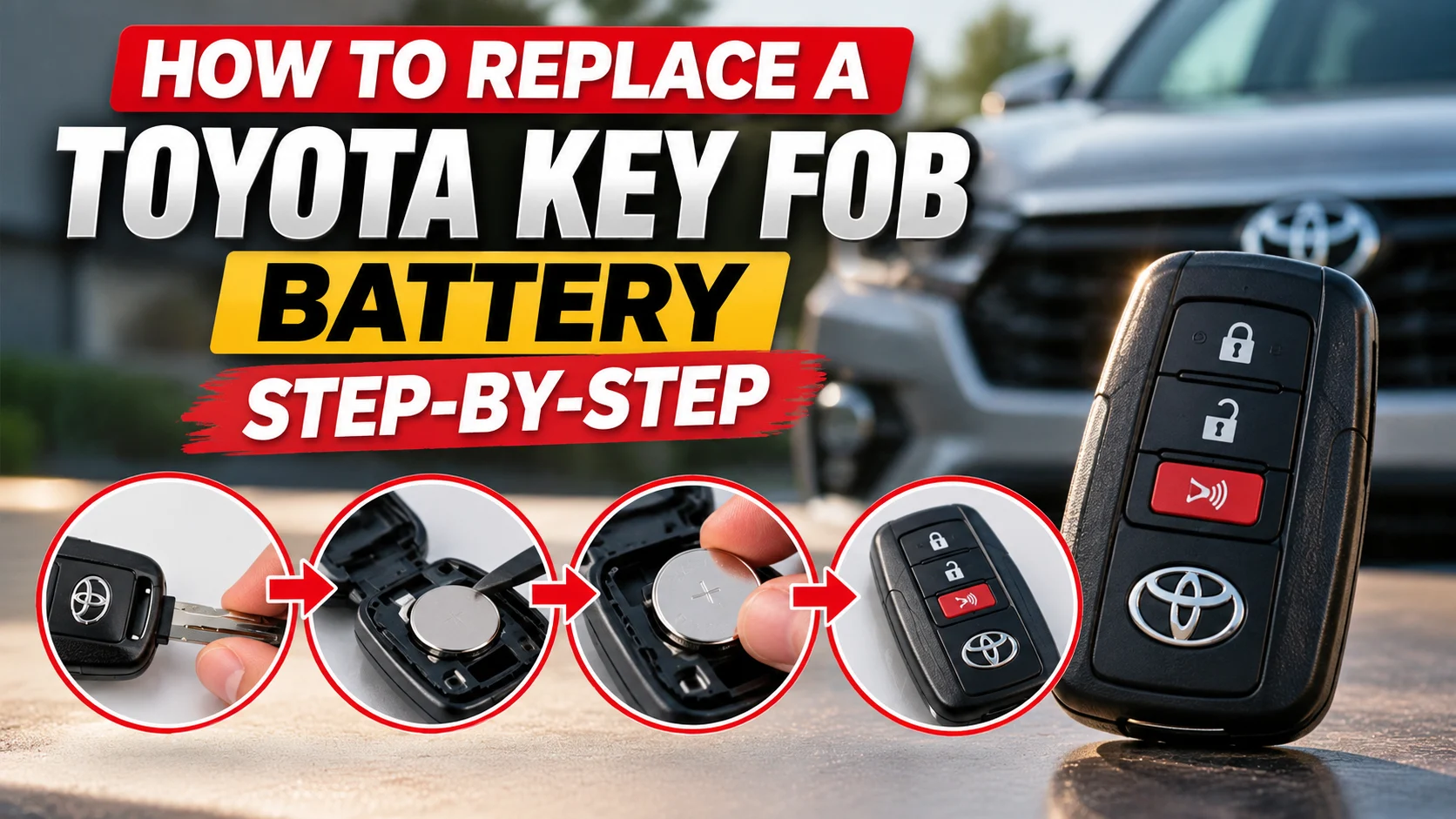
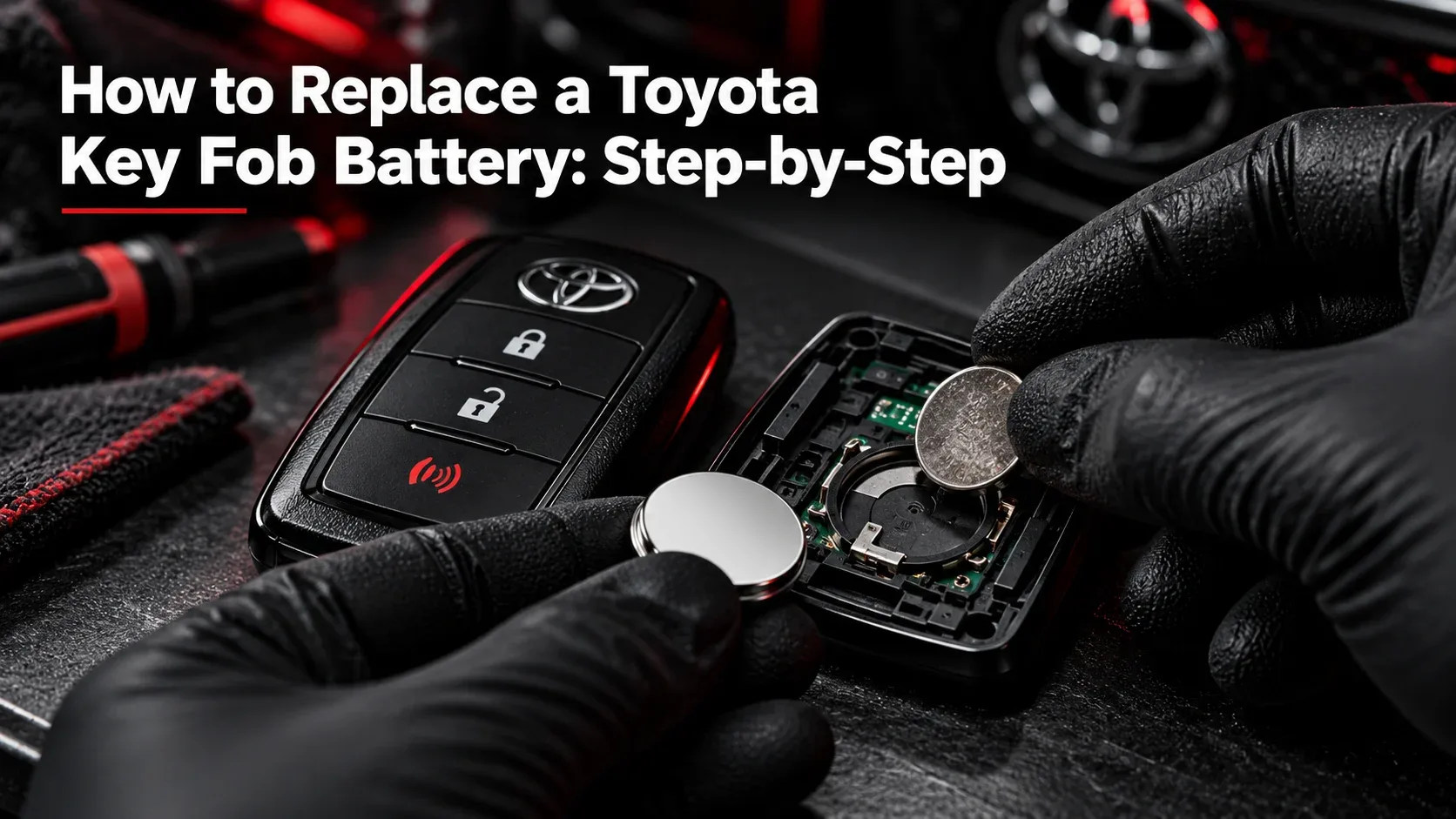
Use the following general sequence alongside the model-specific instructions supplied by Toyota. It explains how to change the battery in a Toyota key fob without assuming every casing opens the same way.
Remove the Mechanical Key, if Equipped
On compatible smart keys, use the release tab to slide out the mechanical emergency key. Some traditional remote keys have no removable blade.
Open the Key Fob Housing
Locate the designated notch or opening method in your model-specific manual. Gently open the cover, protecting the plastic casing from scratches. Never force the shell.
Locate the Old Battery
Identify the coin cell and note its orientation before removing it. Some remotes include an extra inner cover or removable module.
Remove the Old Battery
Carefully release the coin cell from its holder using the specified method. Do not pry against delicate circuits, bend metal contacts, or puncture the battery.
Install the Correct New Battery
Confirm the battery type matches the manual. Insert it with the polarity indicated for your fob; do not assume the positive side always faces up.
Reassemble the Toyota Key Fob
Replace any internal cover and line up the outer housing. Press together carefully until it is fully secured, then reinsert the emergency key if applicable.
Test the Toyota Key Fob
Near the vehicle, try lock and unlock. Verify the other supported functions. If the remote remains unreliable, use the troubleshooting section below.
Toyota Smart Key vs Traditional Remote Key
Traditional remotes and smart keys can have different casings, battery types, and opening procedures. Match the instructions to your exact key, not just the Toyota model name.

Toyota Key Fob Not Working After Battery Replacement?
First confirm the correct battery, orientation, and secure contact. Try another properly specified new cell if needed. If a second registered key works, the first fob may need inspection. A routine battery swap usually does not require reprogramming an already registered key.

How Much Does a Toyota Key Fob Battery Replacement Cost?
DIY generally costs the price of the correct coin cell, while a dealer or locksmith may charge for labor. Actual prices vary by location, battery, and service provider; check local current pricing.
Common Mistakes and Battery Safety
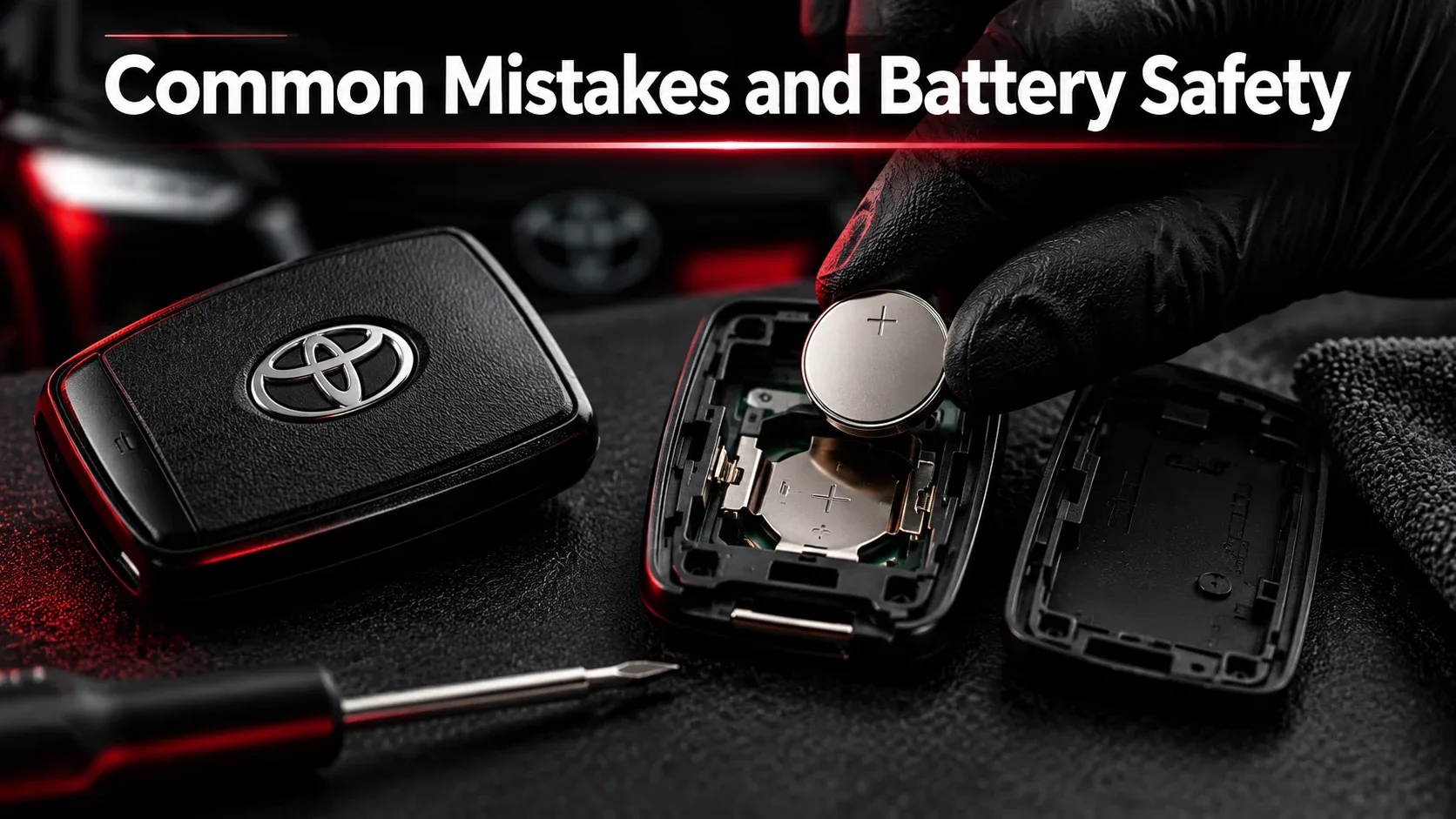
Common errors include buying the wrong size, forcing the case, reversing polarity, and bending contacts. Keep all loose coin-cell batteries away from children and pets: swallowed button batteries can cause life-threatening injuries. Seek emergency care immediately if ingestion is suspected.
Frequently Asked Questions
What battery does a Toyota key fob use?
It depends on the exact fob design and vehicle. Consult your owner’s manual and original coin-cell marking.
Can I replace a Toyota key fob battery myself?
Often yes, using the documented method and specified cell. For difficult or sealed designs, a Toyota dealer or automotive locksmith can help.
Does changing the battery require programming?
A normal battery change generally does not require reprogramming an already registered remote. Contact a professional for persistent issues.
Can I start a Toyota with a dead smart-key battery?
Many Toyota smart-key vehicles offer an emergency starting procedure. The exact steps are vehicle-specific, so refer to your owner’s manual.
Final Thoughts
A successful Toyota key battery change begins with identifying the correct cell and opening method. Work carefully, check polarity, reassemble the housing securely, and test all functions. If problems persist, professional diagnosis may be needed.