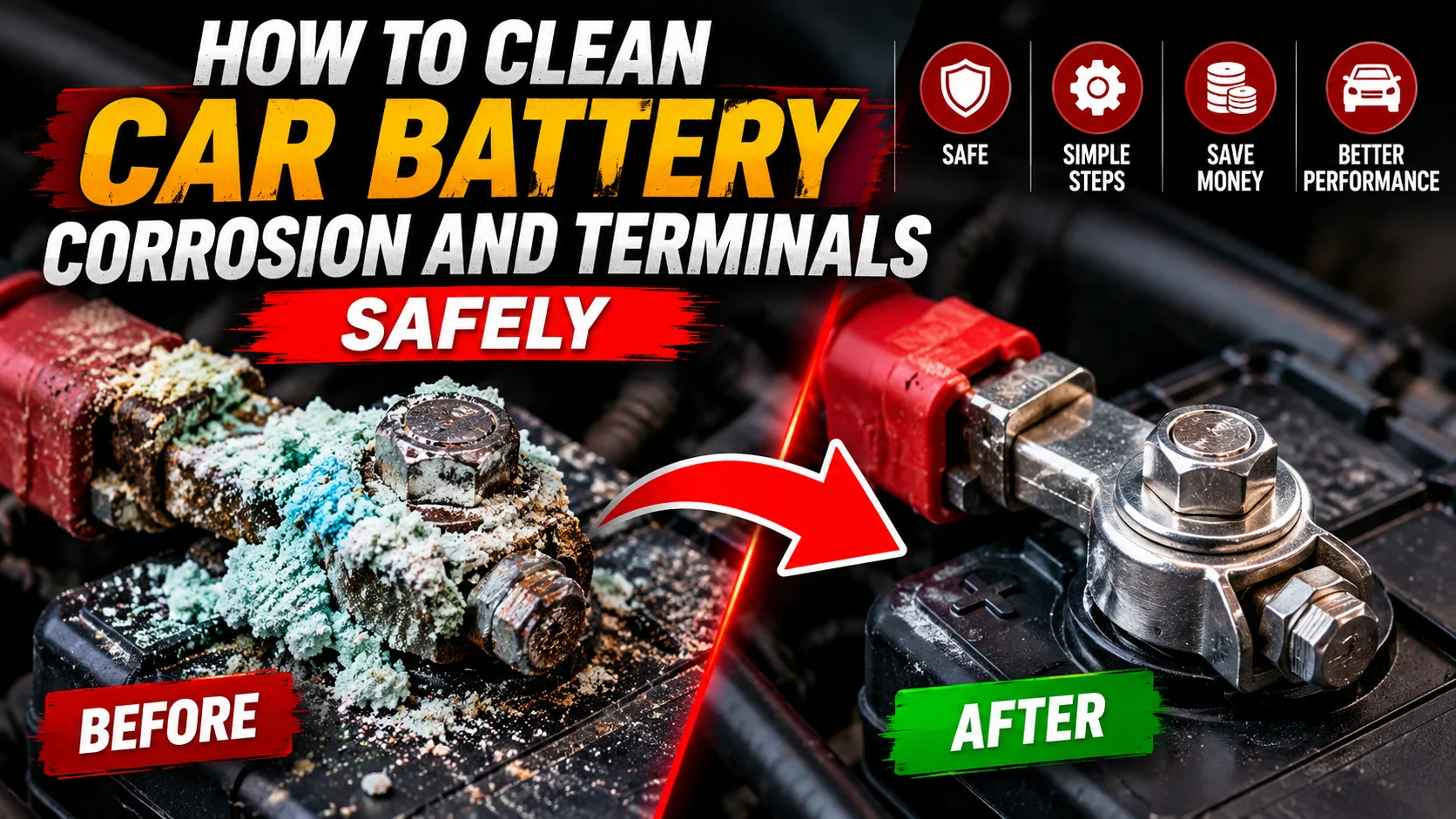

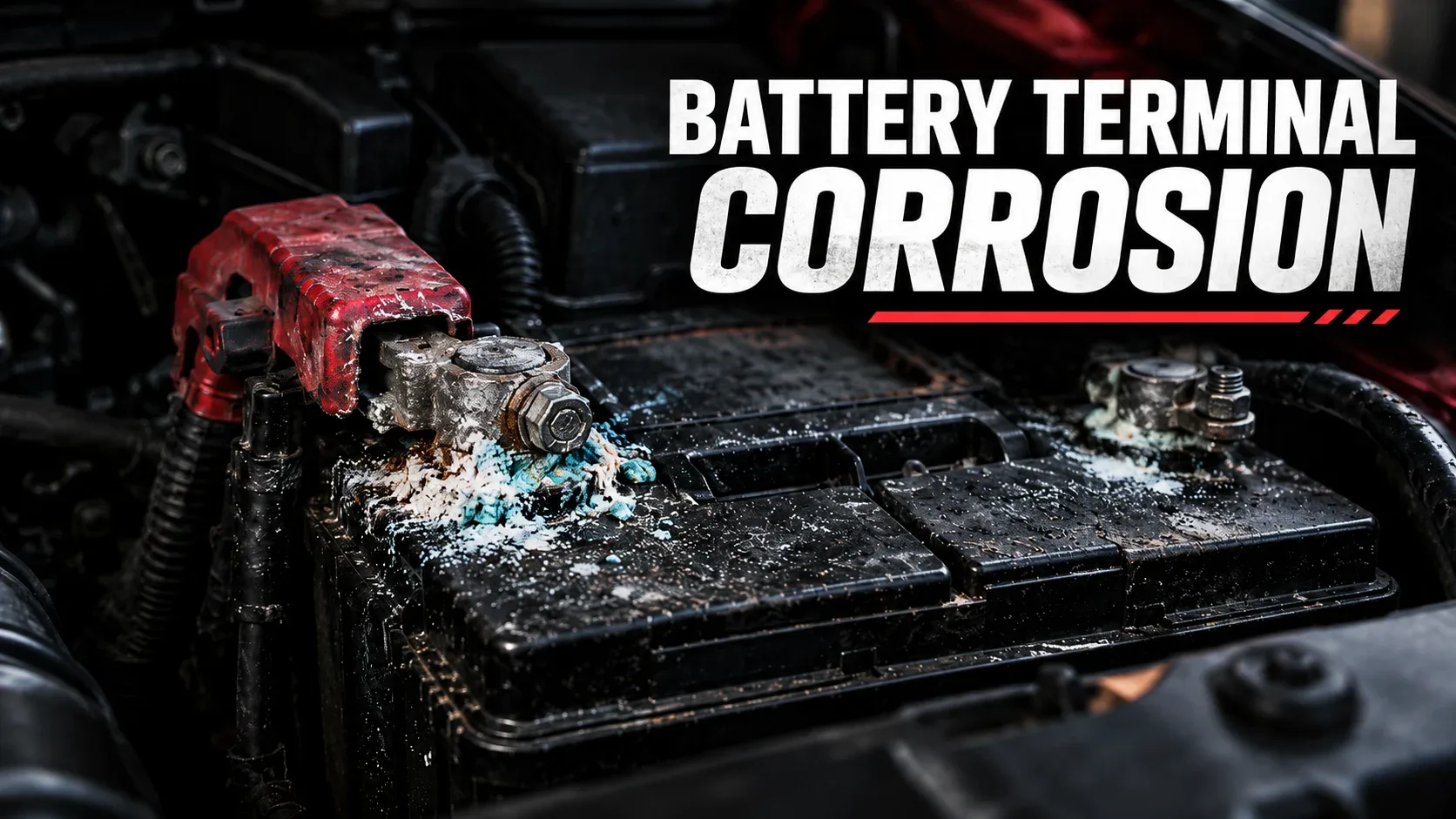
When your car cranks slowly or struggles to start, the problem might be sitting right on top of the battery. White, blue, or green crust around the terminals is a common sign of corrosion. It can interfere with the connection between your battery and the vehicle’s electrical system.
If you’re wondering how to clean battery corrosion without damaging your car, this guide covers the safety checks, cleaning tools, correct cable sequence, and warning signs that tell you when cleaning is not enough. The steps focus on conventional 12-volt automotive lead-acid batteries; always check the vehicle and battery manufacturer’s instructions first.
With the vehicle off, first check that the battery is not cracked, leaking, swollen, or otherwise damaged. Wear splash-resistant safety glasses and gloves. If the owner’s manual permits battery disconnection, remove the negative cable first, then the positive. Apply a small amount of appropriate battery-terminal cleaner or baking-soda solution to the exterior corrosion, gently clean the removed cable clamps and posts, remove residue, and dry everything completely. Reconnect the positive cable first and negative cable last, unless the manufacturer’s procedure differs. If you are unsure about the battery or disconnection requirements, have a professional do the work.
What Is Car Battery Corrosion and What Causes It?
Battery corrosion is a buildup of chemical deposits on or around battery terminals and cable clamps. It can look like white chalk, pale blue crystals, or greenish crust. The appearance depends on the metals, moisture, electrolyte exposure, and other conditions involved. The color alone does not diagnose the precise cause.
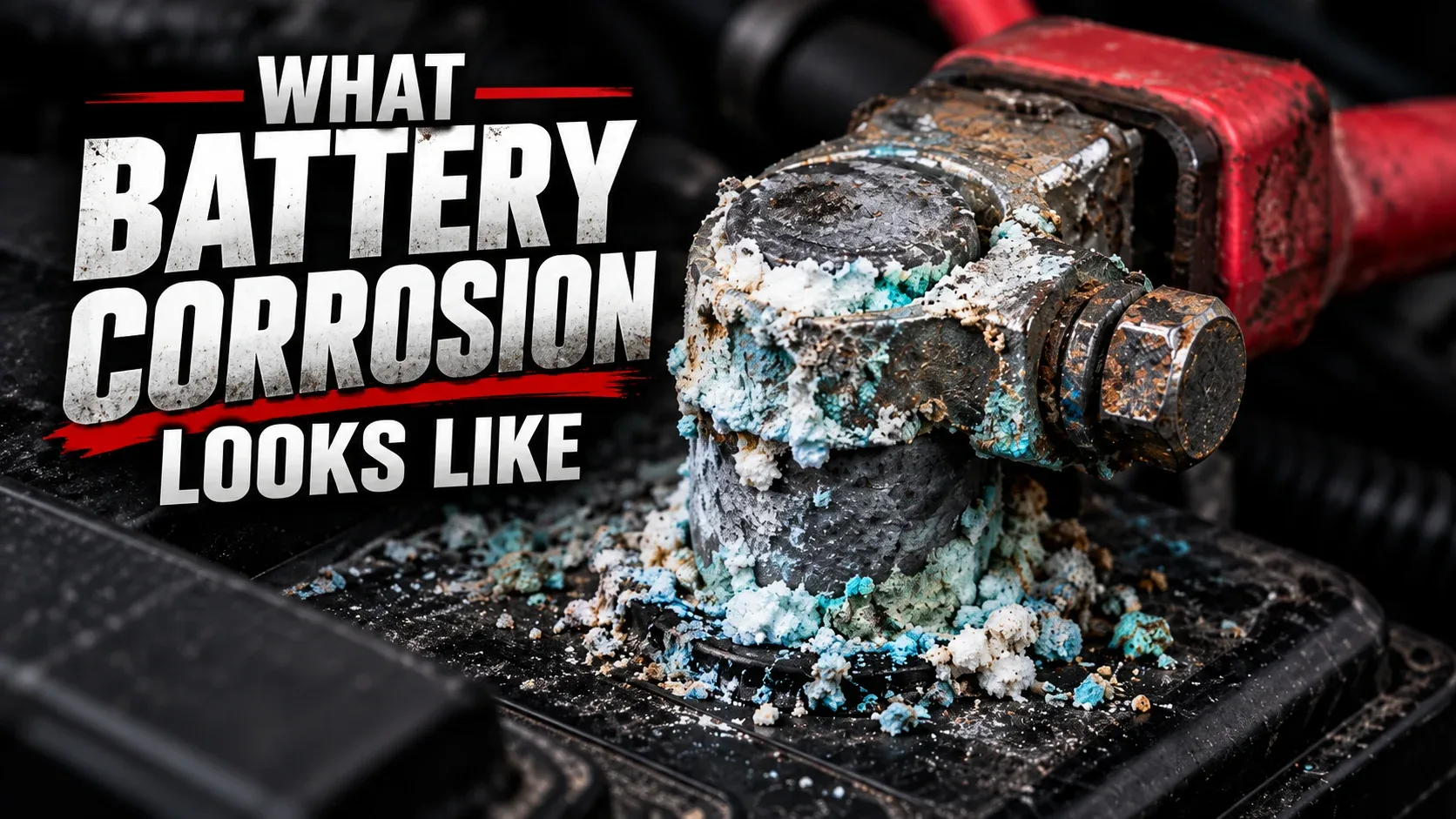
Possible contributors include acid mist or electrolyte leakage, moisture, deteriorated seals, loose or damaged connections, and charging-system faults. Deposits may create electrical resistance between the post and clamp, contributing to slow cranking, intermittent power, or starting problems. However, a weak battery, starter fault, or charging issue can produce similar symptoms.
Cleaning the outside of a healthy battery may restore a better connection, but it does not repair a cracked battery or correct an underlying charging problem. Corrosion that returns quickly should be investigated rather than cleaned repeatedly.
Important Safety Precautions Before Cleaning Battery Terminals
Before learning how to remove battery corrosion, make sure the job is safe for you and your vehicle. Lead-acid batteries contain corrosive electrolyte and can release flammable hydrogen gas. Metal tools can also short a battery if they bridge a live terminal and vehicle metal or the opposite terminal.
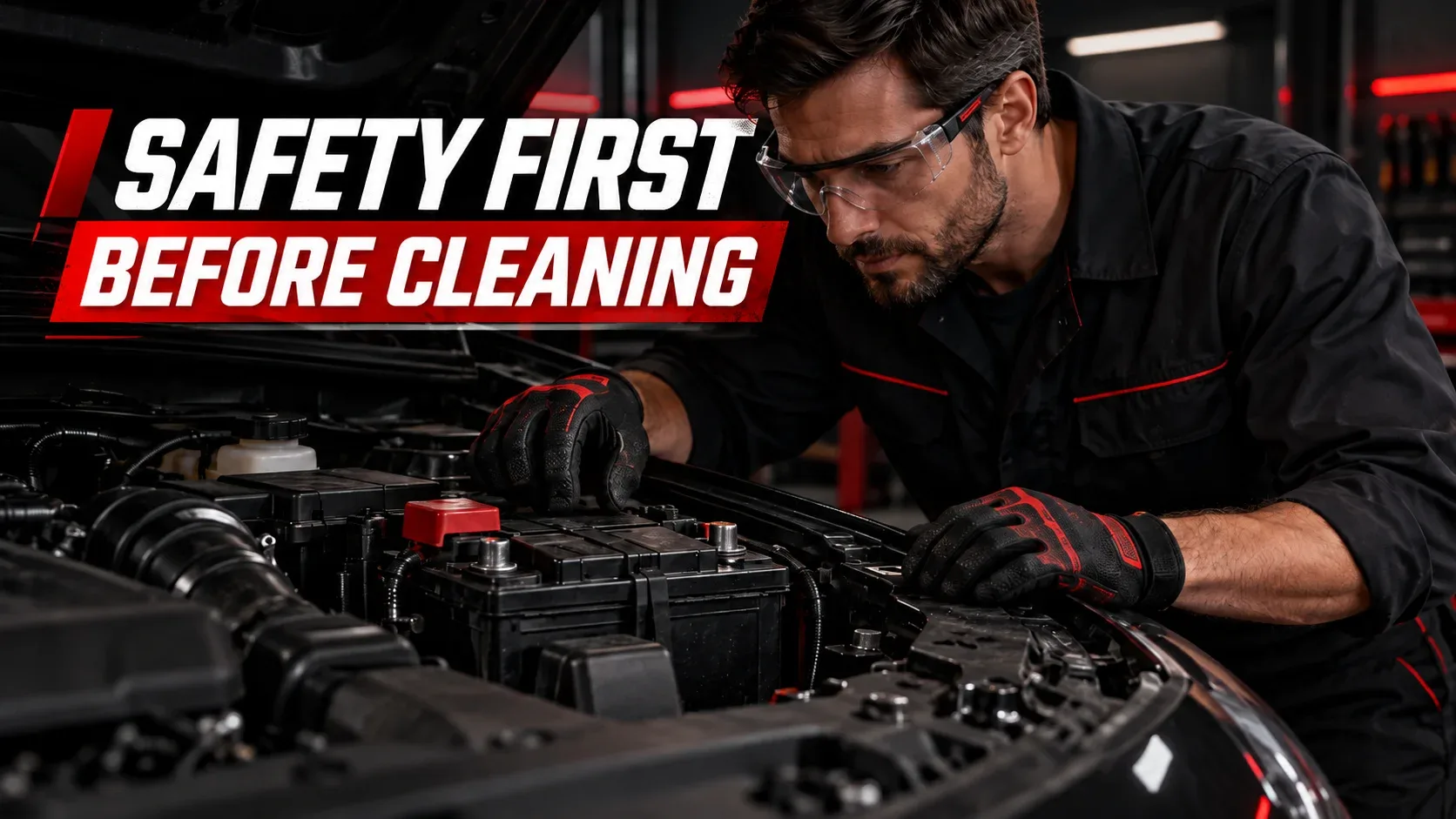
- Park securely, switch off the engine and ignition, and keep keys away from the vehicle.
- Wear chemical splash-resistant eye protection and suitable protective gloves. Remove metal jewelry.
- Work in a ventilated area; never smoke or create sparks or flames near a battery.
- Check the case, terminals, hold-down hardware, and nearby cables for visible damage.
- Read the owner’s manual before disconnecting power. Some cars require battery registration, memory preservation, or special restart procedures.
- Keep cleaners and rinse residue out of vents, cells, electrical connectors, and sensitive components.
- Do not touch high-voltage orange cables in hybrid or electric vehicles. Their 12-volt battery systems may also have special service instructions.
Tools and Materials Needed to Clean Battery Corrosion
You do not need an expensive tool kit for basic cleaning battery terminals. Gather everything before disconnecting the battery so that you can finish the job without leaving loose electrical connections unattended.

- Splash-resistant safety glasses
- Suitable protective gloves
- Correct-size wrench or socket
- Battery terminal brush or suitable small brush
- Battery-terminal cleaning product or baking soda
- Small amount of clean water
- Clean lint-free or microfiber cloths
- Tray or absorbent material to contain residue
- Terminal protectant, if specified or suitable
- Vehicle owner’s manual
A commercial product intended for battery terminals is a convenient option. Baking soda mixed with a little water can help neutralize acidic residue on external surfaces, but use it sparingly. Never add baking soda or cleaning solution inside the battery. Check the battery manufacturer’s recommendations before using chemical cleaners on a particular design.
How to Clean Car Battery Corrosion Step by Step
These six steps explain how to clean battery terminal corrosion while protecting the battery, cables, and surrounding electrical parts. The disconnection and reconnection order below is the usual procedure for conventional negative-ground passenger vehicles; the manufacturer’s service instructions always take priority.
Step 1
Inspect the Battery and Prepare the Vehicle
Open the hood and locate the 12-volt battery, which may also be found in the trunk or another compartment. Identify the positive terminal marked +, commonly under a red cover, and the negative terminal marked −. Look for damaged insulation, severe crust beneath cable insulation, loose posts, wet electrolyte, or case distortion.
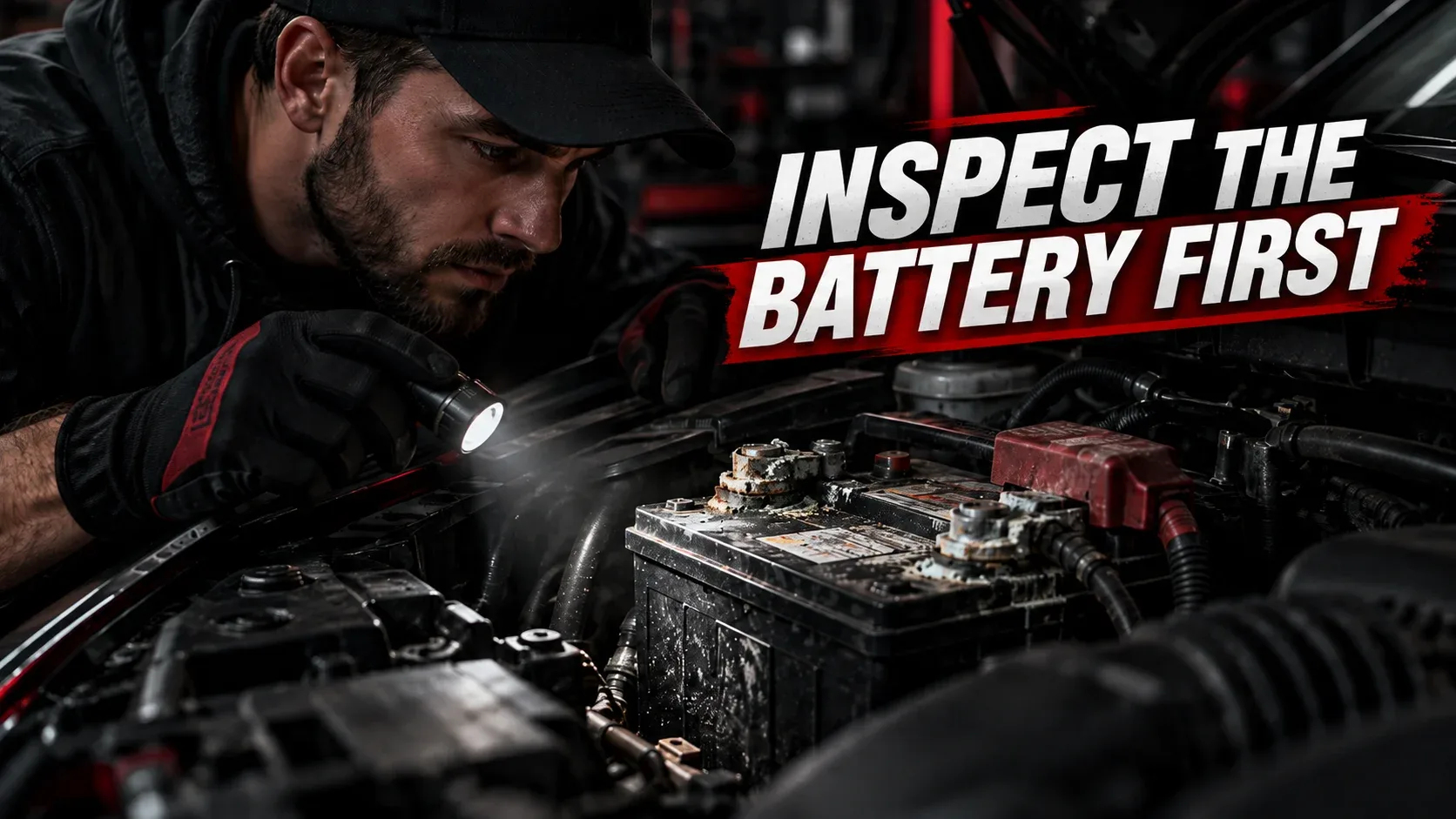
If anything suggests battery damage, stop. Otherwise, verify the vehicle’s power-disconnection procedure. Be aware that disconnecting the battery can reset radio presets, windows, idle adaptations, or other electronics in some vehicles.
Step 2
Disconnect the Battery Cables Safely
Where the vehicle manual permits it, loosen and remove the negative (−) cable first. Move its connector away from the post and secure it so it cannot spring back. Next, remove the positive (+) connection. Use the correct wrench and make sure it cannot bridge the positive terminal and any grounded metal.
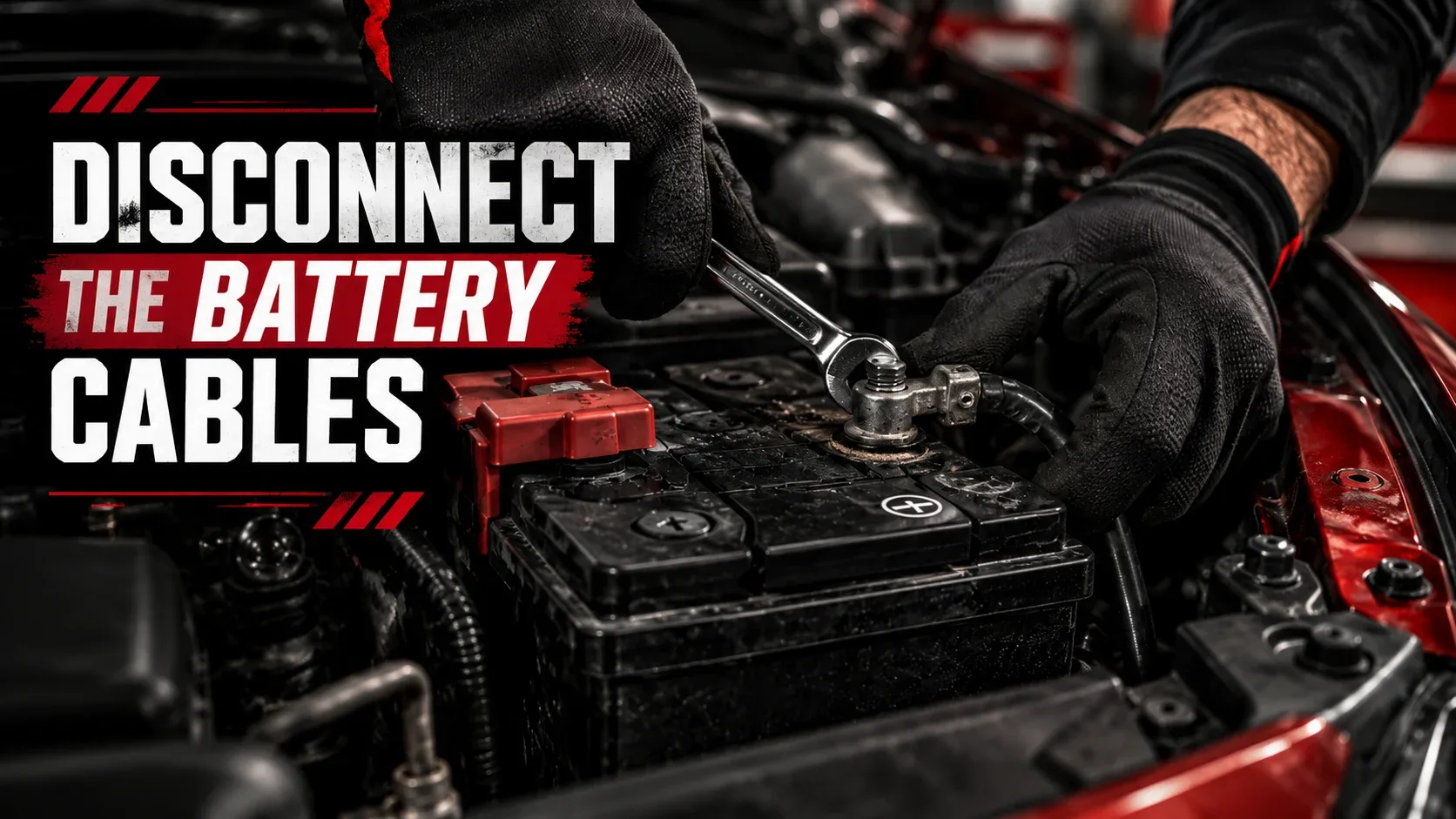
Do not pull a battery cable by its wire or pry aggressively against the battery case. If a clamp is seized, use an appropriate terminal puller or seek professional help. Forcing it can damage the post or internal battery seal.
Step 3
Apply the Cleaning Solution Carefully
Apply a modest amount of approved battery-terminal cleaner or a small baking-soda-and-water mixture to the corroded external posts and detached cable clamps. Work carefully to keep liquids away from the battery’s vents, seams, electronic modules, and nearby connectors. If acidic residue is present, a baking-soda solution may fizz as it reacts.
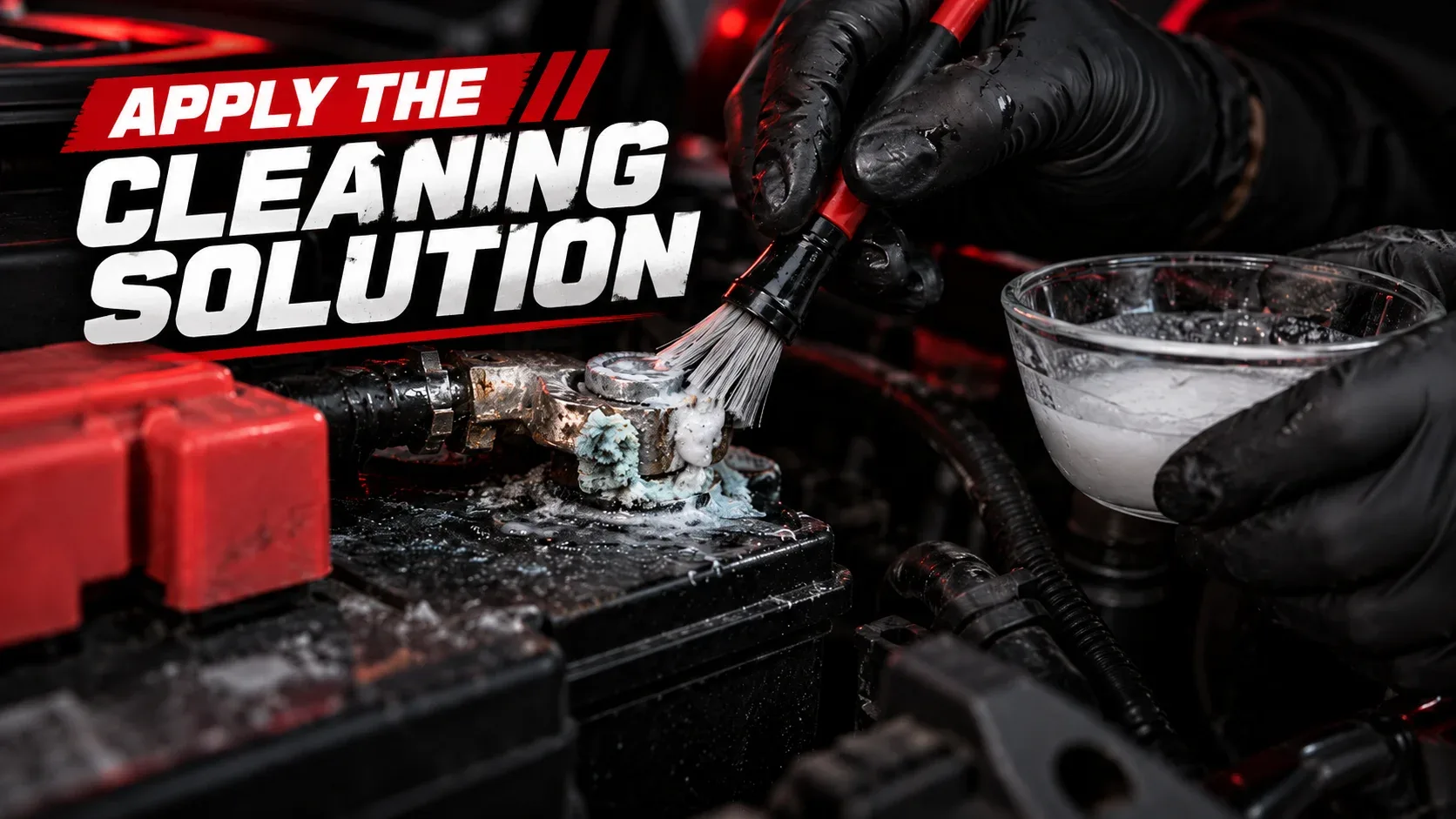
Allow the cleaner to work according to its instructions. Do not pour a large volume of liquid over an installed battery. Avoid household chemicals that the battery maker has not approved.
Step 4
Gently Remove Battery Corrosion
Use a purpose-made terminal brush or appropriate small brush to lift softened corrosion from the post and the inside of the removed clamp. Work gently and do not remove excessive healthy metal. Contain loosened powder instead of brushing it into the engine bay.
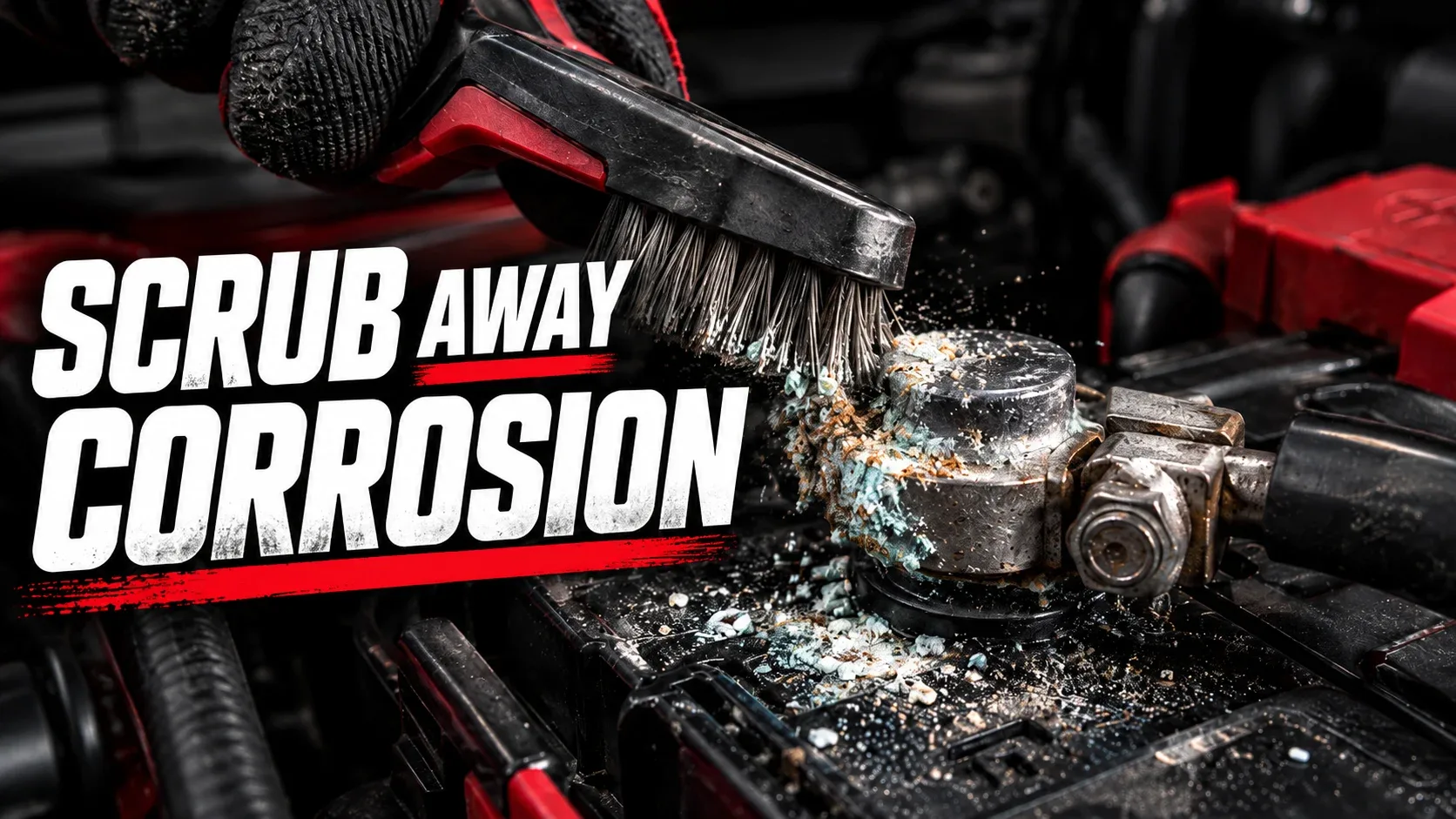
When people ask how to get corrosion off battery terminals, brushing after suitable external cleaning is usually the useful mechanical step. If the clamp is deeply pitted, cracked, or too thin to secure reliably, stop and replace the affected part instead of attempting to polish it back into service.
Step 5
Remove Residue and Dry Everything Thoroughly
Wipe away loosened material and cleaner with a controlled amount of damp cloth, where compatible with the cleaner instructions. Collect the residue rather than washing it onto vehicle parts or the ground. Follow with a clean dry cloth and let the clamps and posts dry fully.
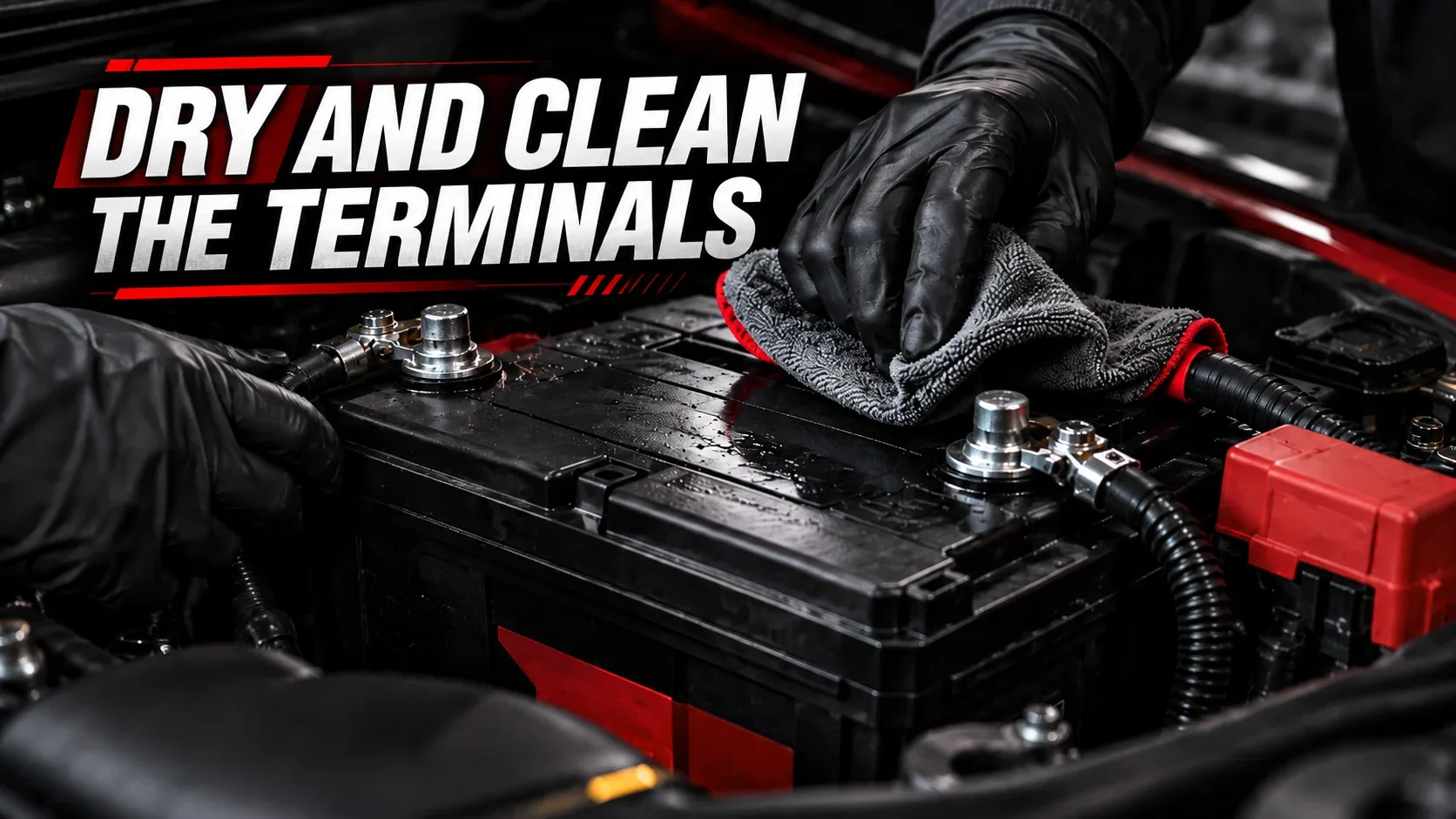
Check that no abrasive bristles, cleaner, or corrosion debris remain near electrical connections. Handle contaminated materials carefully according to local disposal guidance, and wash your hands after removing gloves.
Step 6
Reconnect the Battery and Check Operation
Where the vehicle manufacturer’s instructions permit normal reconnection, secure the positive (+) cable first and the negative (−) cable last. Tighten the clamps to the specified torque or recommended fit—secure, but not overtightened. Replace terminal covers and check that cables are routed correctly and cannot rub on moving or hot parts.
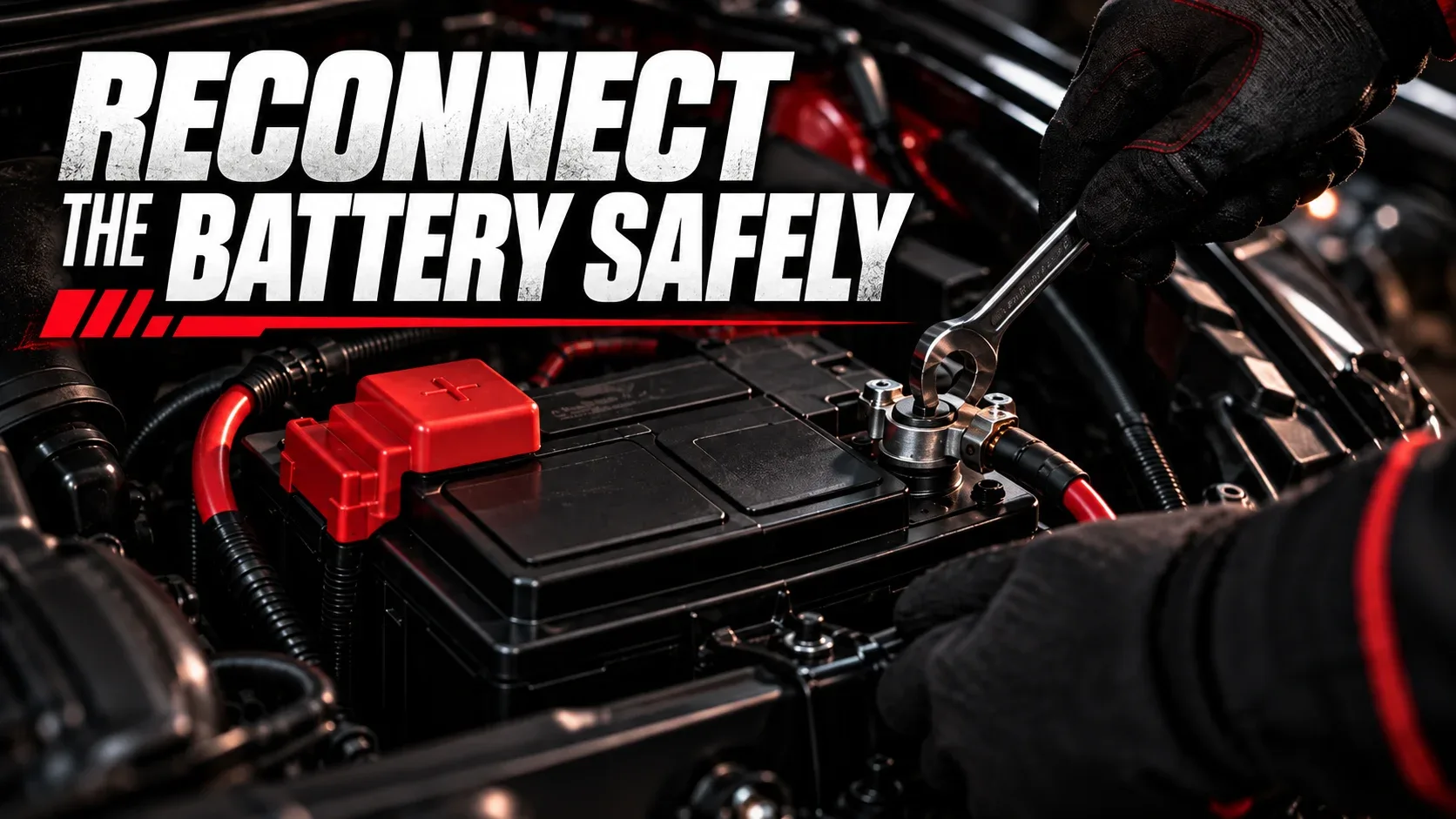
Start the vehicle and check for normal cranking and electrical operation. If the engine still turns slowly or electrical faults continue, a battery or charging-system test may be necessary. Cleaning corrosion is not a guaranteed solution to a no-start condition.
How to Clean Corroded Battery Cables and Contacts
Sometimes the battery posts are clean but the cable clamps still have deposits inside them. If you’re researching how to clean battery cables or how to clean corroded battery contacts, begin by distinguishing removable surface buildup from damage inside the cable.
- Surface deposits: If a clamp is structurally sound, clean its interior contact surface using the same controlled cleaning and drying process.
- Corrosion under insulation: Green or white residue creeping into cable strands can indicate hidden deterioration. The affected cable may need replacement.
- Loose or cracked terminals: A clamp that cannot grip the battery post securely should be replaced with a correctly sized approved part.
- Heat damage: Melted insulation or discoloration from overheating requires further inspection, not a simple wipe-down.
Common Mistakes to Avoid When Cleaning Battery Terminals
| Mistake | Why it matters | Safer approach |
|---|---|---|
| Working on a damaged or leaking battery | Electrolyte exposure and other hazards | Stop and seek professional service |
| Bridging a terminal with a metal tool | Short circuit, burns, and sparks | Keep tools clear of unintended contact points |
| Ignoring cable-disconnection instructions | Potential vehicle-electronics issues and shorting risks | Follow the owner’s manual and applicable terminal order |
| Pouring too much water or cleaner | May contaminate vents or electrical parts | Apply small, controlled amounts to exterior surfaces |
| Reconnecting damp or damaged clamps | May cause poor contact and repeat problems | Dry fully and replace unsuitable components |
| Overtightening terminal hardware | Can distort clamps or damage posts | Use the manufacturer’s tightening specification |
When Should You Replace Battery Terminals or the Battery?
Learning how to clean corrosion off battery terminals is useful, but cleaning only addresses buildup on serviceable components. Consider professional inspection or replacement when:
- The battery case has cracks, bulges, or visible electrolyte leakage.
- A terminal post is loose in the case or shows serious damage.
- Clamps are cracked, severely pitted, distorted, or will not tighten correctly.
- Corrosion has traveled into copper cable strands beneath the insulation.
- Corrosion rapidly returns or there are signs of charging-system problems.
- The vehicle continues to crank slowly after the connections are cleaned.
A technician can test the battery’s condition, starting circuit, and charging system. Battery age alone is not sufficient to diagnose failure, and exterior corrosion is not proof that a new battery is required.
How to Prevent Battery Terminal Corrosion From Coming Back
Clean connections are easier to maintain when the underlying cause of buildup is addressed. Check the battery during routine maintenance and look for new crust, loose hardware, damaged cable insulation, or residue around the battery case.
- Keep the battery securely mounted and its outer surfaces clean and dry.
- Make sure terminals are correctly fitted and tightened as specified.
- Consider an appropriate battery-terminal protectant on the outside of completed connections, if compatible with manufacturer guidance.
- Have the charging system inspected if deposits repeatedly return.
- Replace worn cable clamps or compromised battery components instead of applying cleaner repeatedly.
Do not rely on grease or protectant to compensate for a poor electrical connection. Proper metal-to-metal contact and a healthy battery come first.
Frequently Asked Questions About Battery Corrosion
Can you clean battery corrosion without disconnecting the battery?
Superficial outside dirt may sometimes be wiped without removing a cable, but thorough terminal-contact cleaning generally requires disconnecting and isolating the clamps. Follow the manufacturer’s instructions and do not apply liquid or use metal brushes around live connections if doing so may create a short.
Does baking soda remove battery corrosion?
Baking soda mixed with a little water can neutralize acidic residue on suitable exterior areas, helping loosen deposits for gentle removal. It should not be put inside the battery or allowed to enter vents and electrical components.
Can you use vinegar to clean car battery terminals?
Vinegar is not the preferred general recommendation for cleaning deposits from a lead-acid car battery. Choose a product approved for battery terminals or the manufacturer’s recommended exterior cleaning method instead.
Can battery corrosion stop a car from starting?
Yes. Corrosion may increase resistance at a cable connection, reducing the current available for starting. However, a discharged battery, failed starter, bad ground, or charging problem can also prevent starting.
Is the white powder on a car battery dangerous?
Treat it as potentially irritating or corrosive residue. Avoid direct skin or eye contact and do not inhale disturbed dust. Wear suitable eye and hand protection when inspecting or cleaning it.
How do you clean corrosion off battery terminals without damaging them?
Isolate the cables as instructed, apply an appropriate external cleaner sparingly, brush gently with a suitable tool, remove residue, and dry fully. Do not pry against battery posts or grind away excessive metal.
Can corroded battery cables be repaired?
Minor surface deposits on sound clamps may be cleaned. If corrosion penetrates cable strands, the insulation is damaged, or the connector is structurally weak, replacement is often the safer and more reliable option.
How often should you inspect battery terminals?
Include a visual check during regular vehicle maintenance, especially before seasonal temperature changes or long trips. Inspect sooner if you notice slow cranking, unusual electrical behavior, or visible new deposits.
Will cleaning battery terminals improve performance?
If corrosion is causing a high-resistance connection, cleaning serviceable terminals may improve current flow and starting reliability. It does not increase the battery’s actual stored capacity or fix a weak battery internally.
When should a corroded battery be replaced?
A battery with a damaged case, leaking electrolyte, compromised post, or poor diagnostic test results may need replacement. The presence of cleanable surface corrosion alone does not automatically mean the battery has failed.
Keep Your Battery Terminals Clean and Connections Reliable
Knowing how to clean car battery corrosion is a useful maintenance skill. The safest approach starts with checking the battery’s condition, understanding your vehicle’s electrical requirements, and using small amounts of appropriate cleaner on isolated, external terminals. Gently remove the deposits, dry everything thoroughly, and reconnect the cables according to the manufacturer’s instructions.
If the corrosion is severe, keeps returning, or comes with slow cranking and electrical problems, get the battery, cables, and charging system checked. Clean connections matter, but so does finding the cause of the buildup.