If your Dodge factory radio asks for an anti-theft code, identify the radio’s serial number before looking up a code. The part number helps with compatibility checks; the VIN identifies the vehicle. They are not interchangeable.
This matters most when a battery has been disconnected or a used stereo has just been installed. A label may show several official-looking numbers, but getting the right one is only half the job. First, make sure the symptom really calls for a code.
Serial Number, Part Number, and VIN: Three Different Jobs
The serial number identifies one individual radio. Two units of the same model have different serial numbers. Look for a line marked S/N or Serial, usually near a barcode on the radio chassis.
The part number identifies the type of radio or component. It helps you research fitment, features, and replacement units. Many units can share the same part number, so it cannot identify your individual stereo.
The VIN identifies the vehicle, not the specific radio now fitted in it. A dealer may use the VIN to check vehicle records, but it does not replace the radio serial number in a lookup that asks for that serial, especially if the unit has been changed.
| Identifier | Identifies | Usually found | Useful for |
| Serial number | One individual radio | Radio label marked S/N or Serial; on-screen on some units | Serial-based code retrieval for supported radios |
| Part number | Radio type or component | Separate line on the radio label | Checking replacement compatibility and service information |
| VIN | The vehicle | Dash, driver-side door jamb, registration | Vehicle records and dealer inquiries |
Labels can carry several similar-looking strings. Read the small print beside each one rather than assuming the longest number is the serial.
Check Whether the Radio Is Actually Locked
A code is useful when the stereo explicitly asks for one. Read the display before removing trim or paying for a lookup.
Code or security prompt. A powered-on radio displaying “CODE,” “ENTER CODE,” or a similar request may be security-locked. Copy the message exactly as shown; wording varies by radio.
Blank screen or no power. Check the relevant fuses and the vehicle’s battery condition before blaming a lock. Power and ground connections also need checking if the basic tests do not explain the problem.
If the radio acts up along with dimming lights, a battery warning light, or other erratic electrical accessories, see Gearhead Grove’s guide to signs of a failing alternator. Those combined symptoms call for a charging-system check, not a radio-code search.
Repeated restarts or a frozen startup logo. Low voltage, software trouble, or a fault in the unit can cause these symptoms. A code alone is unlikely to resolve them. Likewise, a responsive display with no sound may call for checks of the selected source, mute setting, amplifier, or connections rather than code retrieval.
Find the Serial Number Without Guessing
Before taking anything apart, check the owner’s paperwork or previous service records. The correct code may already be recorded there. If you still need the serial number, the route depends on the model year and radio.
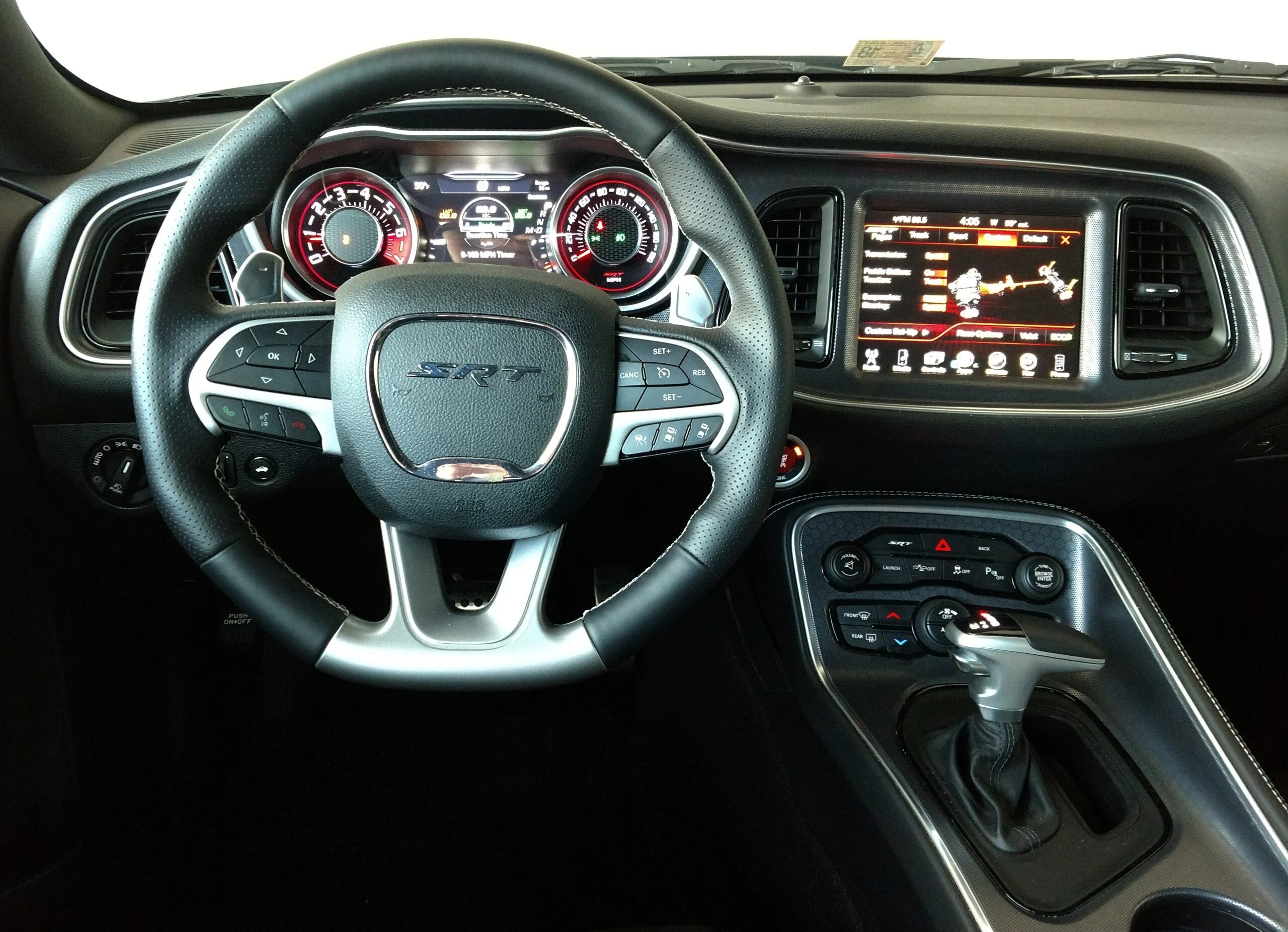
Some Uconnect units show radio information in an on-screen system or dealer information menu. Availability and menu names vary, so use instructions for your exact unit rather than trying a button sequence from a different model.
The serial number is often on a label attached to the radio chassis. If the radio needs to come out, turn the vehicle off and follow the removal and electrical procedures for your specific model. Use a plastic trim tool where appropriate, avoid pulling on wiring, and photograph the complete label once it is visible. Check the S/N or Serial marking before copying any characters.
If reaching the label requires unfamiliar trim removal or unplugging connectors, an audio shop or dealer can help identify the unit without risking damaged clips or pins.
Enter a Code Only When It Fits the Symptom
Do not try random numbers. Depending on the radio, incorrect entries can trigger a waiting period or another lockout. There is no single attempt limit that applies to every Dodge stereo.
Confirm the prompt and the serial number first, then follow the code-entry instructions for your particular radio. Keep the part number and VIN handy for questions about fitment or dealer records, but do not enter them where a serial number is requested.
If the unit explicitly asks for an anti-theft code and you have confirmed its serial, check whether it is supported for a Dodge factory radio unlock code. If it is not supported, ask a dealer or qualified car audio specialist about the next step. A code lookup will not repair a radio that has no power or fails to start properly.
When a Code Is Not the Whole Fix
A used replacement radio adds another question: does it belong in this vehicle? Similar-looking units may differ in connectors, features, or how they communicate with the vehicle. Some also require vehicle-specific configuration after installation. A correct code may unlock the radio while leaving a compatibility or programming problem unsolved.
The part number is useful for narrowing down fitment, but a close match is not proof. If a swapped-in radio accepts a code and still behaves oddly, compare its specifications with the vehicle’s requirements and have the installation checked before condemning the unit.
Your Next Four Steps
- Read the screen. Write down the exact message and note whether the radio powers on, restarts, or stays blank.
- If it asks for a code, check the vehicle paperwork and identify the radio’s serial number on the correct unit.
- Use the code-entry or retrieval procedure that matches that radio. Stop guessing if an entry fails.
- If there is no code prompt, or a correct code does not restore normal operation, check power, wiring, fitment, and programming with a qualified shop as needed.