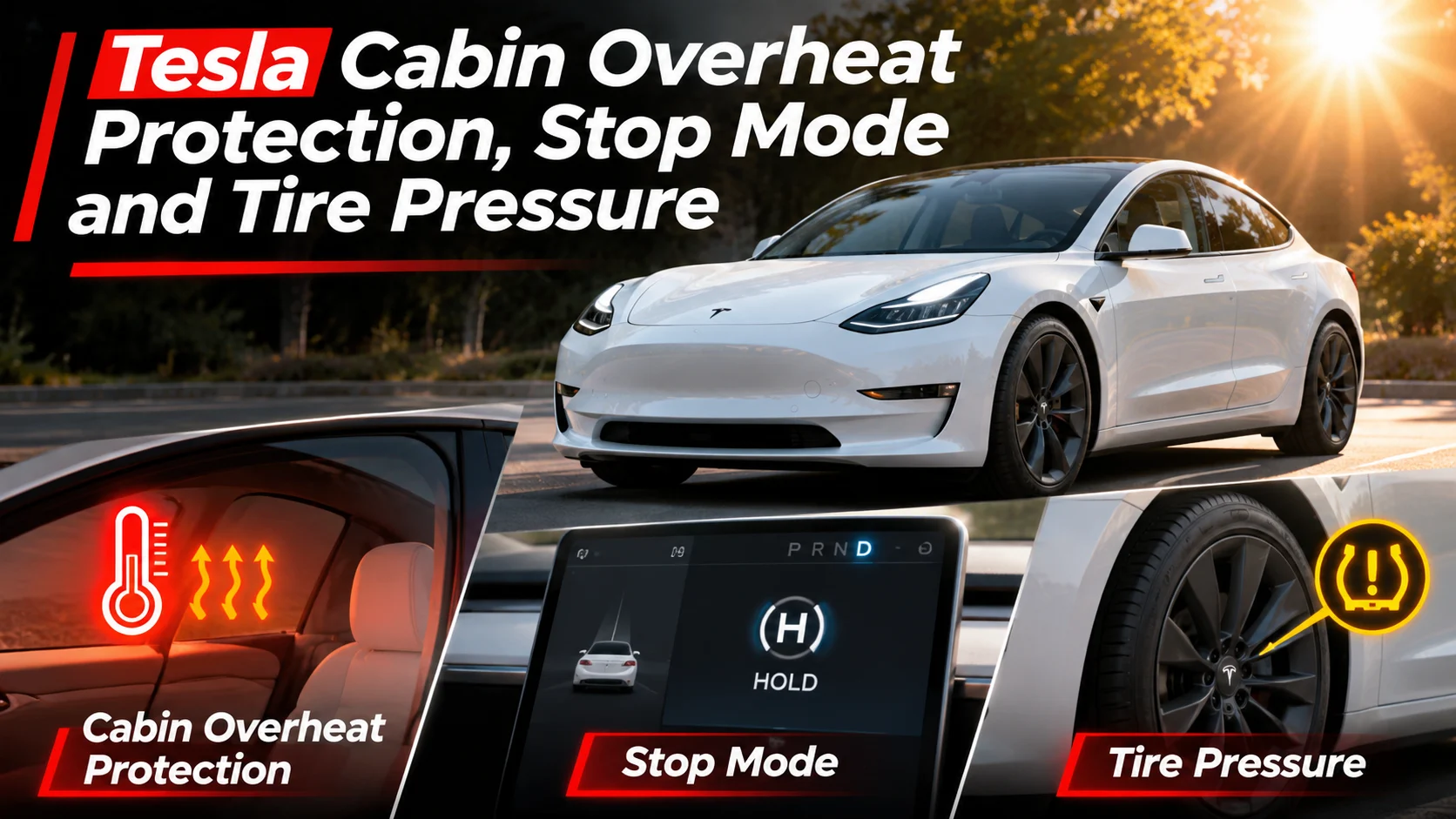

Tesla vehicles combine innovative driving technology with advanced climate controls and intelligent tire monitoring. However, understanding these systems can be confusing, especially when transitioning from a conventional gasoline-powered vehicle.
Whether you are learning about tesla stop mode, trying to prevent your cabin from overheating, or responding to a tire-pressure warning, knowing how these features operate can make everyday ownership easier and safer.
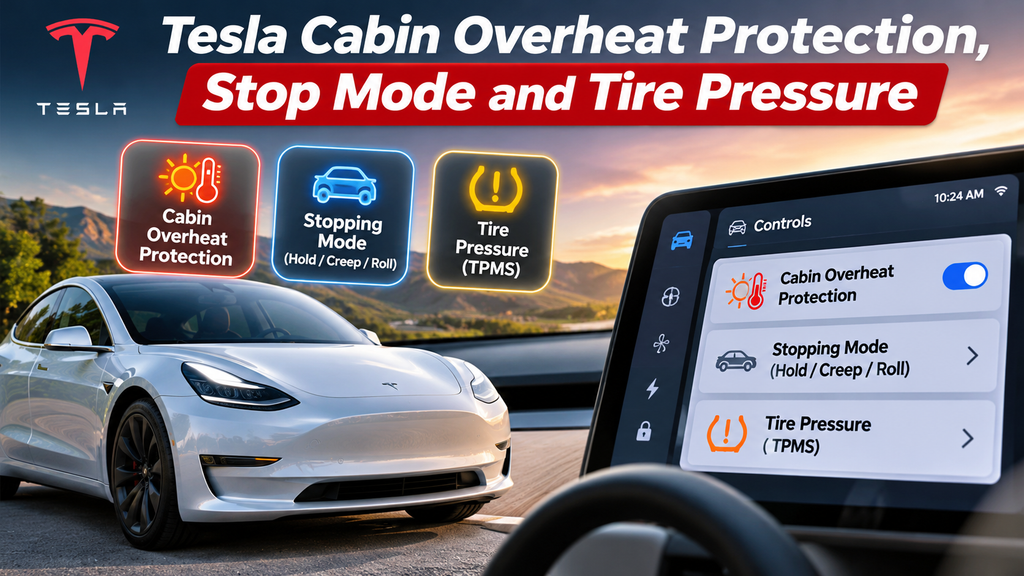
Quick Answer: Three Tesla Features Explained
Stopping Mode: Controls low-speed stopping behavior on supported older vehicles. Cabin Overheat Protection: Helps limit excessive cabin temperatures while parked. Tire Pressure Monitoring: Alerts drivers to tire-pressure concerns, with monitoring features varying by model.
What Is Tesla Stop Mode?
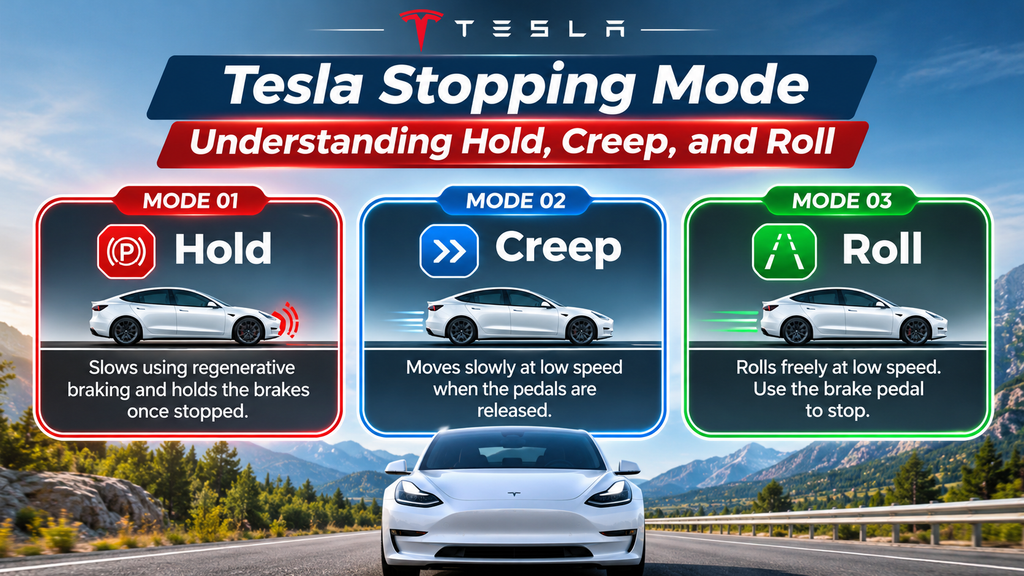
Tesla Stopping Mode controls how certain vehicles behave when slowing to very low speeds and releasing the accelerator pedal. Unlike conventional automatic vehicles, Teslas can use regenerative braking to recover energy during deceleration.
On vehicles supporting selectable Stopping Modes, drivers may choose between Hold, Creep, and Roll. These options change how the vehicle behaves near a complete stop rather than simply changing the strength of regenerative braking at all speeds.
Model-year note: Tesla reports that selectable Stopping Modes are unavailable on vehicles manufactured from approximately January 2024 onward. Always check the owner’s manual for your specific model and production date.
Understanding Hold, Creep, and Roll
MODE 01
Hold
Continues regenerative deceleration toward a stop and holds the brakes once the vehicle stops. Convenient for frequent stops and one-pedal driving.
MODE 02
Creep
Applies gentle motor torque at low speed when the pedals are released, creating a familiar automatic-transmission driving feel.
MODE 03
Roll
Allows the vehicle to roll freely at very low speeds. The driver must use the brake pedal to stop and control movement.
How to Change Tesla Stopping Mode
If your Tesla supports selectable modes, the adjustment is made through the vehicle touchscreen.
- Park the vehicle safely and select Park.
- Open the Controls menu on the touchscreen.
- Select Dynamics where available.
- Find the Stopping Mode option.
- Choose Hold, Creep, or Roll.
- Become familiar with the selected behavior in a safe driving area.
The touchscreen layout may vary depending on your Tesla’s model, software version, and production date.
Which Tesla Stopping Mode Is Best?
| Driving Situation | Possible Preference | Important Consideration |
|---|---|---|
| Daily commuting | Hold | Convenient for frequent stopping. |
| Transitioning from a gasoline car | Creep | Feels similar to a traditional automatic. |
| Low-speed maneuvering | Driver preference | Brake control remains essential. |
| Hilly roads | Hold | Always remain ready to brake and prevent rolling. |
Hold is a convenient option on vehicles where it is selectable. However, the correct choice ultimately depends on driver familiarity and the available vehicle settings.
Why Is Tesla Stop Mode Missing?
If you cannot find the tesla stop mode option, it does not necessarily mean that something is wrong.
Newer Tesla vehicles may not offer selectable Hold, Creep, and Roll behavior. Check the production date, the software information screen, and the owner’s manual for your particular car.
If a setting that was previously available disappears unexpectedly, contact Tesla Service for vehicle-specific guidance.
How Tesla Cabin Overheat Protection Works
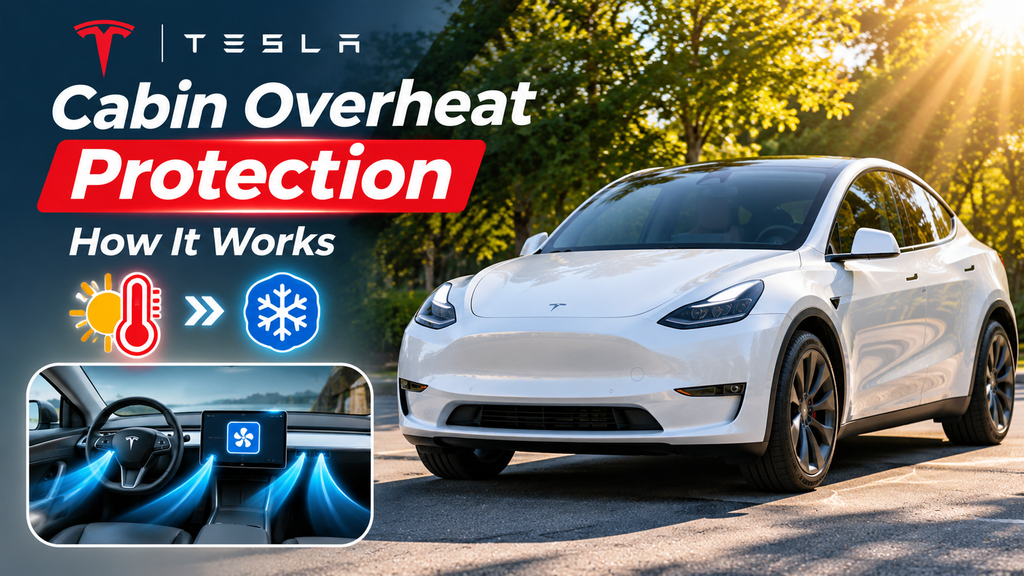
A vehicle parked in direct sunlight can develop extremely high cabin temperatures. Tesla Cabin Overheat Protection is designed to help reduce excessive heat while the vehicle is parked.
Depending on the model and settings, the system can automatically activate air conditioning or ventilation when cabin temperatures exceed a specified threshold.
How to Enable Cabin Overheat Protection
- Open the touchscreen Controls menu.
- Navigate to Safety.
- Find Cabin Overheat Protection.
- Choose an available setting.
- Review the vehicle-specific temperature and operating conditions.
| Setting | What It Does |
|---|---|
| On | Uses air conditioning to help reduce cabin temperature. |
| No A/C | Runs ventilation without active air conditioning. |
| Off | Disables the feature. |
Does Cabin Overheat Protection Use Battery Power?
Yes. Both air conditioning and ventilation consume energy. Air conditioning generally requires more energy than running the fan alone.
Tesla documents an operating period of up to approximately 12 hours after leaving the vehicle, subject to battery conditions and other limitations. The feature is not designed to operate continuously.
- Park in shaded locations where possible.
- Consider a windshield sunshade.
- Precondition the cabin before entering the vehicle.
- Monitor battery charge when relying on parked climate features.
- Check whether your vehicle supports additional climate settings.
Critical safety warning: Cabin Overheat Protection is not a life-safety system. Never leave children or pets unattended inside a parked vehicle, even when this feature is enabled.
How to Check Tesla Tire Pressure
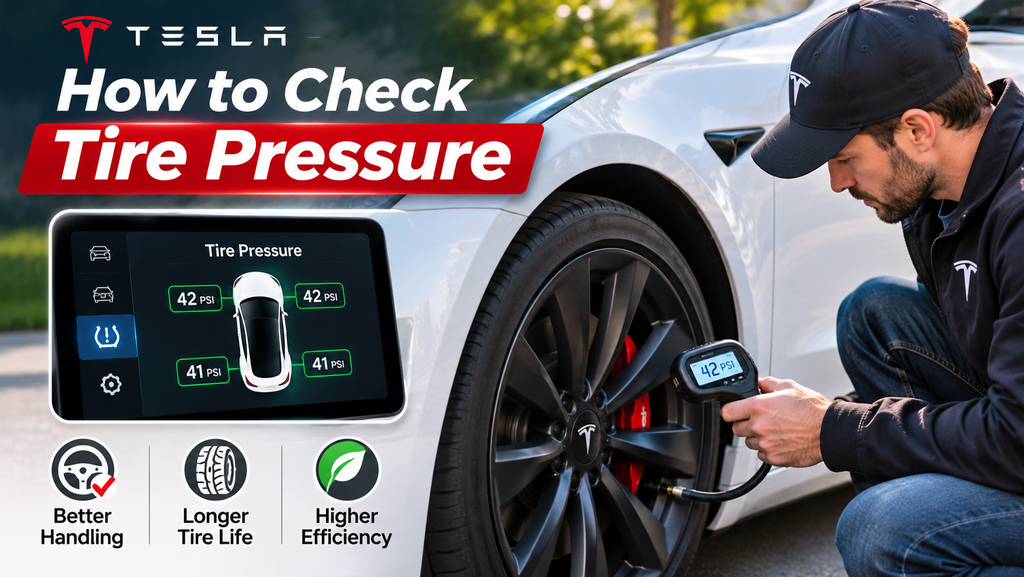
Correct tire inflation supports vehicle handling, tire longevity, driving efficiency, and braking performance. Both underinflation and overinflation can negatively affect how a vehicle performs.
Tesla vehicles use tire-pressure monitoring systems, but their capabilities differ. Some configurations display individual tire-pressure measurements, while others detect pressure loss indirectly.
Where to Find the Correct Tesla Tire Pressure
The recommended cold inflation pressure is listed on the vehicle’s Tire and Loading Information label, generally located on the driver’s door pillar.
Do not assume that every Model 3 or Model Y uses the same PSI. Tire specifications, wheel sizes, and vehicle configurations can differ.
Important: The maximum pressure shown on the tire sidewall is not the same as your vehicle manufacturer’s recommended inflation pressure.
How to Check and Adjust Tire Pressure
- Park on a safe, level surface.
- Allow the tires to cool, ideally for three hours.
- Read the cold pressure recommendation on the vehicle label.
- Measure each tire with a reliable pressure gauge.
- Add or release air to reach the recommended cold pressure.
- Replace the valve caps and follow the appropriate TPMS procedure.
Tire pressure naturally rises while driving because the tires warm up. Avoid releasing air from a hot tire merely to match a cold-pressure specification.
Understanding Tesla Tire Pressure Warnings
| Condition | Possible Cause | Recommended Action |
|---|---|---|
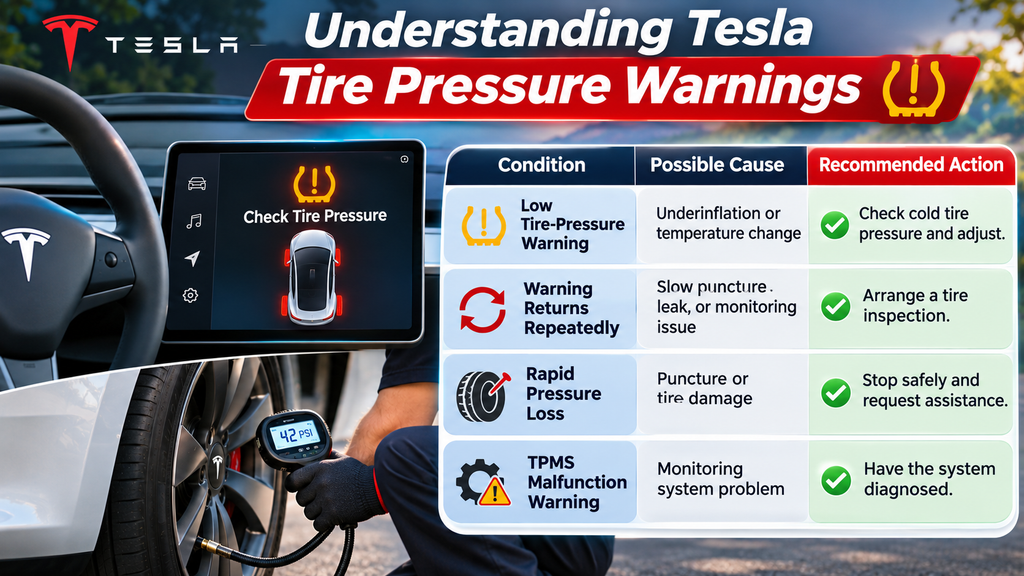
| Low tire-pressure warning | Underinflation or temperature change | Check cold tire pressure and adjust. |
| Warning returns repeatedly | Slow puncture, leak, or monitoring issue | Arrange a tire inspection. |
| Rapid pressure loss | Puncture or tire damage | Stop safely and request assistance. |
| TPMS malfunction warning | Monitoring system problem | Have the system diagnosed. |
Common Tesla Settings Problems and Solutions
Not every unfamiliar warning or missing menu item indicates a mechanical failure. Some features depend on vehicle configuration, software version, temperature, and battery conditions.
| Problem | First Thing to Check |
|---|---|
| Stopping Mode is missing | Production date and supported vehicle features. |
| Regenerative braking feels weaker | Battery charge, temperature, and driving conditions. |
| Cabin Overheat Protection does not start | Feature selection, time limits, and battery conditions. |
| Individual tire pressures are unavailable | Whether the vehicle uses direct or indirect TPMS. |
| Low-pressure warning remains after inflation | Actual pressure and the required monitoring-system refresh or calibration. |
Essential Tesla Ownership Checklist
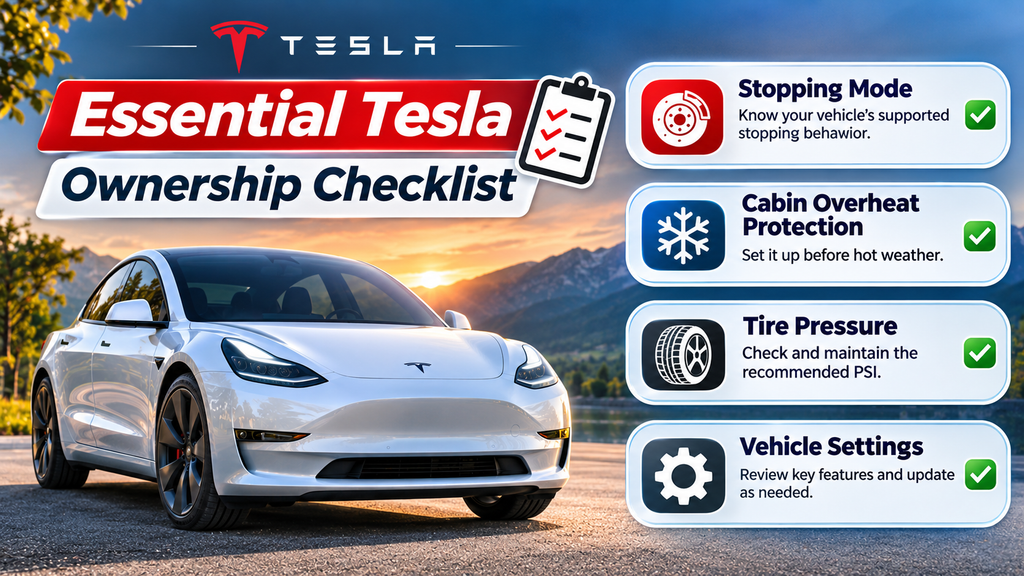
- Confirm the vehicle’s supported stopping behavior.
- Learn how regenerative braking behaves in different conditions.
- Review Cabin Overheat Protection settings before hot weather.
- Never rely on parked climate features to protect unattended occupants.
- Check cold tire pressure at least once a month.
- Inspect tires for damage and uneven wear.
- Investigate recurring warnings instead of ignoring them.
- Refer to the vehicle-specific owner’s manual before changing unfamiliar settings.
Frequently Asked Questions
What does Tesla Stop Mode do?
On supported older Tesla vehicles, Stopping Mode changes low-speed stopping behavior through Hold, Creep, or Roll settings.
Why does my Tesla not have Creep mode?
Tesla no longer provides selectable Stopping Modes on vehicles manufactured from approximately January 2024 onward. Feature availability depends on the vehicle.
Does Tesla Hold mode replace Park?
No. Hold can keep the vehicle stationary after stopping, but drivers must still select Park when parking and leaving the vehicle.
Does Cabin Overheat Protection drain the battery?
Yes. Running air conditioning or ventilation uses battery power. Actual consumption depends on temperature, system operation, and other conditions.
Can Cabin Overheat Protection protect pets?
No. The feature cannot guarantee a safe cabin temperature and should never be relied upon to protect unattended pets or children.
How long does Cabin Overheat Protection operate?
Tesla describes operation for up to approximately 12 hours after leaving the vehicle, with battery and other operating restrictions.
What PSI should Tesla tires have?
Use the recommended cold inflation pressure printed on your vehicle’s Tire and Loading Information label. Specifications vary by configuration.
Why is my Tesla tire-pressure warning still on?
The tire may still be underinflated, leaking, or awaiting a monitoring-system update. Some vehicles require a calibration procedure.
Final Thoughts
Understanding tesla stop mode, Cabin Overheat Protection, and tire-pressure monitoring helps Tesla owners manage everyday driving situations with greater confidence. Because features vary across models and production years, always verify your vehicle’s exact configuration before making changes. Give priority to safe braking practices, careful tire maintenance, and the limitations of parked climate systems.