
DIY car repair is one of the most trusted niches on YouTube. The channels that grow here aren’t the ones with the flashiest editing. They’re the ones whose tutorials are complete: every bolt, every torque spec, every “don’t skip this” warning. That level of detail takes a lot of production work, and more creators are now turning to AI tools to handle the visual side of it. Platforms like animx.ai, which bring leading AI video and image models such as Sora 2, Veo 3.1, Kling and Seedance into one workspace, are helping repair creators produce animated explainers, cutaway visuals, intros and thumbnails without hiring an animator or a designer.
Why Does Completeness Matter So Much in Car Repair Content?
When a craft tutorial skips a step, the worst outcome is a wobbly shelf. When a car repair tutorial skips a step, the result can be a brake caliper that isn’t properly secured or a wheel that wasn’t torqued to spec. Viewers follow these videos with the car on jack stands and a phone propped on the fender, pausing after each step. A missing detail doesn’t just make a video less useful; it can make a repair unsafe. That’s why the most respected repair creators are known for thoroughness above everything else.
Why Short-Form DIY Clips Aren’t Enough
Short-form platforms are full of 30-second “quick fix” car videos. They’re great for discovery and for simple tips, like checking tire pressure or replacing a cabin air filter. But for anything involving brakes, suspension, cooling or timing components, a 30-second clip can’t show the order of operations, the warning signs that something is wrong, or the torque sequence that matters. Viewers increasingly know this, and they look for creators who offer full walkthroughs and use short clips only as a doorway to the longer tutorial.
What Makes a Repair Tutorial Easy to Follow?
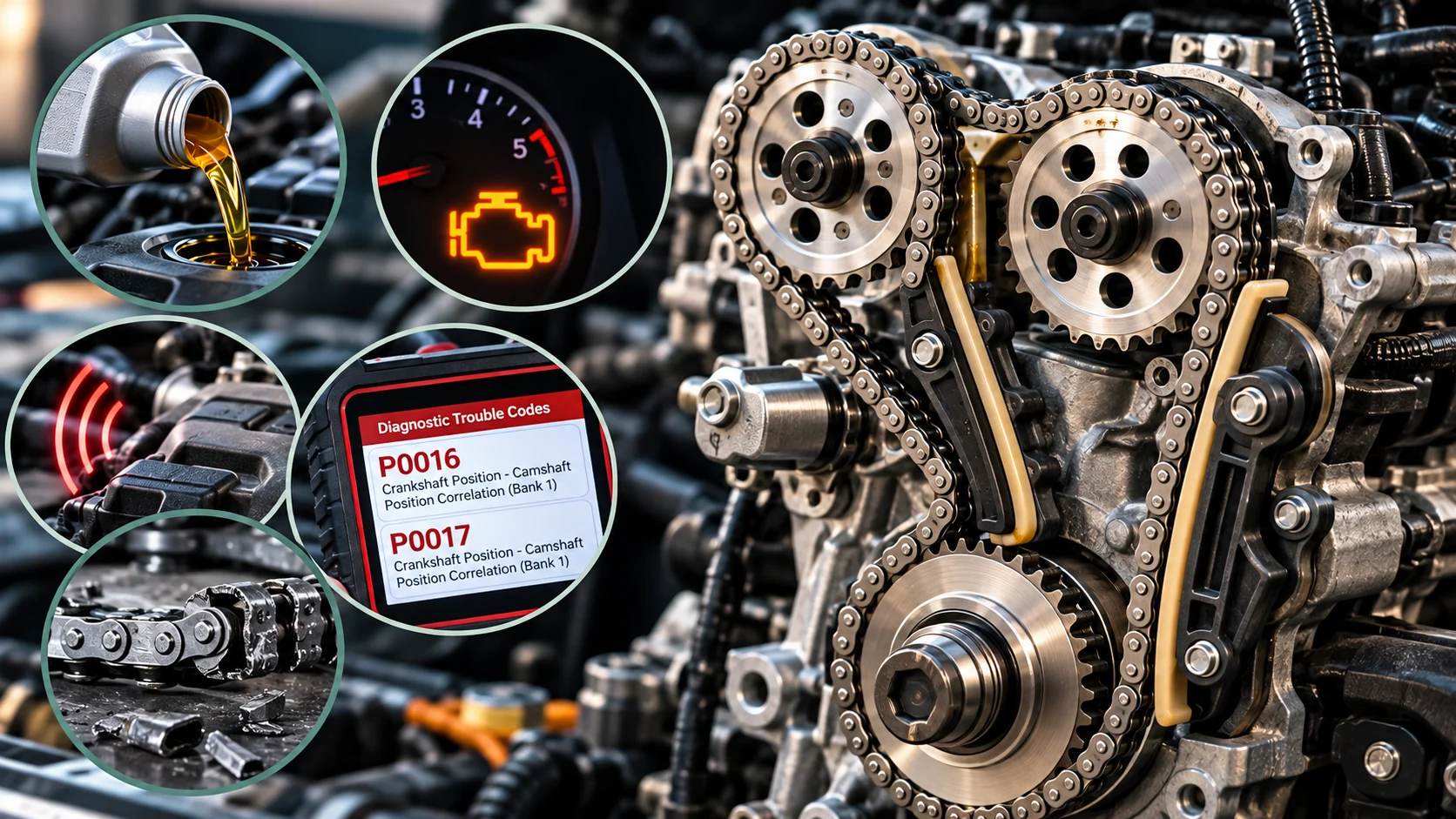
The best repair tutorials share a few traits. They explain what the part does before removing it, show where it sits in the system, follow a clear step-by-step order and point out what failure looks like. The hardest part to film is often the most important to explain: what’s happening inside a component. You can’t put a camera inside a running brake caliper, a transmission or a fuel injector. Traditionally, creators have handled this with whiteboard sketches, manufacturer diagrams or simply talking the viewer through it. This is exactly where AI video generation becomes useful.
How AI Video Generators Fit Into a Repair Creator’s Workflow
AI video generators don’t replace the footage of real hands turning real wrenches, and they shouldn’t. What they do well is fill the visual gaps around that footage. On Animx, a creator can describe a shot in plain language or upload a photo and get a short, polished clip back, using whichever model fits the job best. Practical uses include:
- Cutaway explainers: short animated visuals showing how a disc brake clamps a rotor, how a thermostat opens, or how a CV joint moves, to illustrate the “why” before the hands-on part.
- Animated diagrams: turning a still image or a simple diagram into a motion clip with the image-to-video tool, so viewers can see the flow of fluid or the movement of parts.
- Channel intros and section openers: cinematic garage-style intros or title sequences that give a series a consistent look.
- Thumbnails and channel art: bold, high-contrast images generated with Nano Banana Pro, Seedream or GPT Image, then refined with Remix & Enhance.
- Script and shot-list support: the built-in chat, which connects to GPT, Claude, Gemini and Grok, helps structure a tutorial outline, draft a voiceover or write a video description.
Models like Sora 2 and Veo 3.1 generate audio in the same pass as the video, which is useful for intros and sound-designed openers. Sora 2 Pro on Animx extends clips to up to 20 seconds at 1080p, which is enough for a full explainer segment that sits between hands-on steps.
Traditional Production vs. AI-Assisted Production
| Task | Traditional approach | With an AI video platform |
|---|---|---|
| Explaining how a part works internally | Whiteboard sketches or verbal explanation | Short animated cutaway clips generated from a prompt |
| Diagrams and system overviews | Static manufacturer images | Still diagrams animated into motion clips |
| Intros and section openers | Hire a motion designer or reuse stock footage | Custom openers generated and iterated in minutes |
| Thumbnails | Designed by hand for every video | Several options generated, best one refined |
| Scripting and outlines | Written from scratch | Drafted with the built-in AI chat, then fact-checked |
The Most Important Rule: Accuracy Comes From You, Not the AI
This point matters more than anything else in this article. AI video models create visuals; they don’t verify repair procedures. An AI-generated animation of a brake caliper is an illustration, not a technical reference. Every torque spec, part number, fluid type and step order in a tutorial must come from a factory service manual, manufacturer specifications or the creator’s own verified hands-on experience. Treat AI visuals the way a textbook treats illustrations: they help viewers understand, but the instructions come from a qualified source. The same applies to text drafted with an AI chat assistant. Use it to structure and polish, then check every technical detail before publishing.
It’s also good practice to label generated visuals, for example with a small “illustration” caption, so viewers know which shots are real footage of the repair and which are explanatory animations.
Building More Than One Tutorial
Once a creator has a repeatable visual style, a single repair can become a whole content set: the full long-form tutorial, a short “how this part works” explainer, a vertical teaser for Shorts or Reels, and a set of thumbnails for A/B testing. Because Animx keeps all models in one workspace, creators can test the same prompt in Sora 2, Veo, Kling or Seedance, compare the results and keep a consistent look across an entire library of brake jobs, oil changes, suspension work and diagnostics. Higher plans also allow several videos to render at once, which helps when producing visuals for a whole series in one session.
AI Doesn’t Replace Mechanical Knowledge
The trust a repair channel builds comes from real experience: knowing which bolt always seizes, which clip breaks if you pull it the wrong way, and when a job is beyond a home garage. No AI tool can replace that. What AI can do is remove some of the production work that keeps experienced mechanics from publishing more often. It saves time on visuals so creators can spend more time on what viewers actually come for: accurate, complete instructions from someone who has done the job.
What Should Repair Creators Look For in an AI Video Tool?
- Image-to-video support: the ability to animate your own photos and diagrams keeps visuals relevant to the exact part you’re working on.
- Model choice: different models handle mechanical motion, lighting and metal surfaces differently, so having several in one place saves time.
- Clear pricing: Animx shows the credit cost of each generation before you generate, and new accounts get free credits with no card required.
- Commercial rights: important for monetized channels and sponsored videos. Animx states that paid plans include commercial use of outputs.
- Ease of use: plain-language prompts mean no animation or design experience is needed.
Key Takeaways
- Completeness and accuracy are what build trust in DIY car repair content.
- AI video generators work best for the visuals around real footage: cutaway explainers, animated diagrams, intros and thumbnails.
- Every technical detail must be verified against a service manual, manufacturer data or hands-on experience.
- A multi-model platform makes it easier to keep a consistent style across a growing tutorial library.
Frequently Asked Questions
Can an AI video generator create accurate repair instructions?
No. AI video tools create visuals, not verified procedures. Steps, torque specs and part details must come from reliable sources such as factory service manuals. Use AI clips to illustrate, not to instruct.
Will AI visuals make my tutorials feel less authentic?
Not if you use them in the right places. Keep the actual repair as real footage and use AI for explainers, intros and thumbnails. Labeling generated illustrations keeps viewers’ trust.
Do I need animation or editing experience?
No. You describe the shot in plain language or upload a photo to animate. Basic editing skills help when you assemble the final tutorial, but the generation itself requires no technical training.
Which repairs benefit most from AI explainers?
Any repair where understanding what happens inside a component helps the viewer: brakes, suspension, cooling systems, ignition and drivetrain parts. These are also safety-critical systems, so verifying every step matters most there.