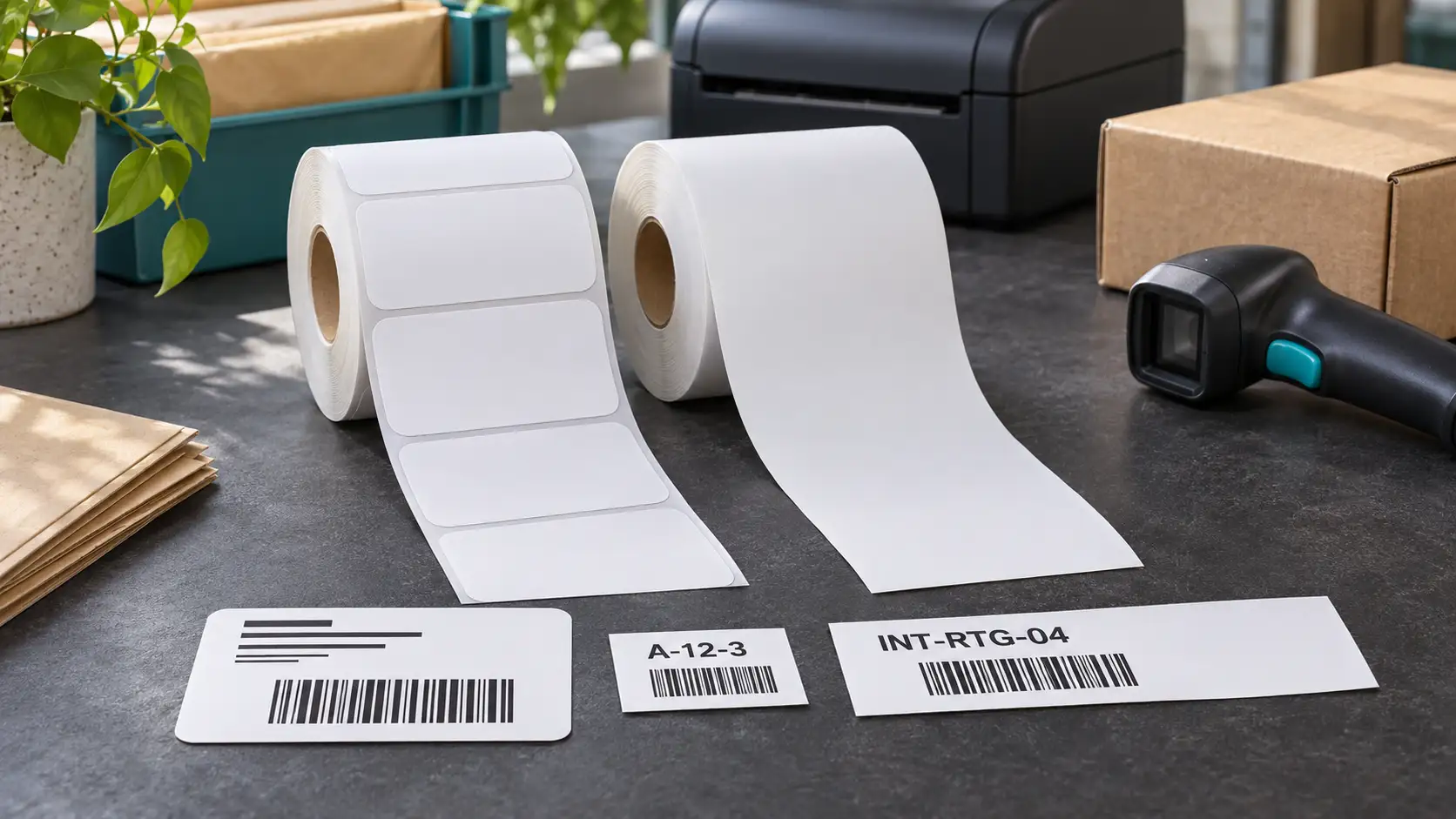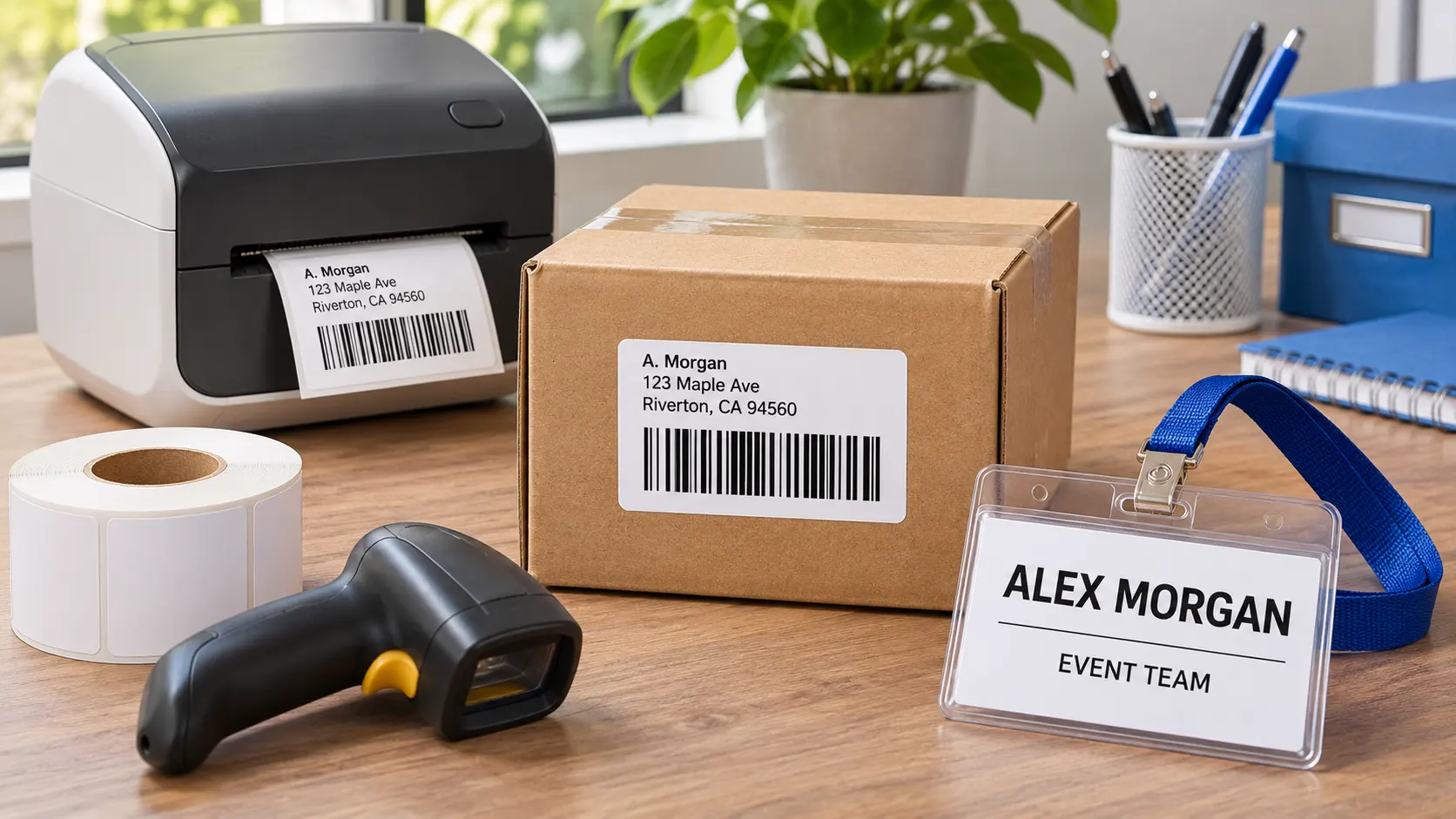

DK-1202 labels measure 2.4 by 3.9 inches and are die-cut, so each printed piece has a predictable boundary. That makes the format suitable for many small shipping, routing, and name-badge tasks. The deciding question is not whether the label is called a shipping label; it is whether the specific barcode, address, and carrier template fit inside the printable area at a readable size. A 4 by 6-inch carrier file should not be compressed onto DK-1202 just because the printer can produce a smaller label.
Start with the information that must remain visible
For an internal parcel label, list the fields that a worker must read at arm’s length: destination, order ID, zone, and perhaps a barcode. For a carrier label, the carrier usually dictates additional elements such as service level, routing marks, tracking data, and a specific barcode. Those elements may consume more space than a simple address. Make a printed mock-up using real-length values. If the longest order identifier or address touches the edge, the layout is not ready for routine use.
A name badge is a different design problem. Here the most important element is often the person’s name, not a code. A DK-1202-sized badge can work if the text remains readable at the expected distance and any logo is restrained. Check whether the badge will be applied to fabric, a plastic holder, or a paper insert. An ordinary paper adhesive label may be appropriate for a temporary holder but should not be assumed removable from every garment without testing.
Check software and print settings before changing the label
Select the DK-1202 die-cut format, approximately 62 by 100 millimeters, in the label software. Set orientation intentionally. A landscape address layout may use horizontal space efficiently; a portrait badge may provide a better hierarchy for a large name and small organization line. Print at actual size or 100 percent. Browser and PDF dialogs often offer fit-to-page options that silently shrink the content, including barcodes.
Keep barcodes away from the label edge. The unprinted margin around a barcode is part of the code’s readability, not wasted space. If a code is too small, remove decorative text or choose a larger stock size rather than increasing print darkness alone. If the code contains more data than the layout can support, consider a shorter identifier that resolves to the full record in your system. Do not change a carrier barcode payload unless the carrier permits it.
Test the workflow, not just a sample image
Run a set of test records with short and long names, different address lengths, and any special characters your database contains. Inspect every printed label for clipping or unexpected line breaks. Then scan the barcodes at the point where they will actually be used. A barcode may scan easily on a desk but fail once it is placed over a box seam or wrapped around a curved package. Apply the label to a clean, flat panel and keep the barcode clear of tape and glossy overlaminate unless those materials have been validated.
For event badges, ask a colleague to read a sample at a realistic distance. If people must step close to decipher the name, enlarge the type or use a larger badge. Test the adhesive or holder material for the full event duration. Temporary labels are exposed to body heat, friction, and movement, conditions that a desk test does not reproduce.
Can one DK 1202 layout serve every carrier
Usually not. Each carrier can define different barcode placement, service marks, and label dimensions. A DK-1202 template that works for an internal shipping record or one supported service should not be assumed valid for another service. Keep carrier-generated artwork intact and check the page size before printing. If the required format is 4 by 6 inches, use a suitable wide-format printer and roll. Resizing a carrier file to fit the available paper may preserve the visible address while changing the barcode beyond the carrier’s tolerance.
How can you improve a name badge on this size
Put the name first, in the largest practical type. Limit secondary lines to the organization, role, or event date if those details matter to attendees. Avoid placing a QR code merely because there is free space; it can compete with the name and may not be useful in a short interaction. Print several long names, including hyphenated or two-part surnames, to see how the template wraps. If a badge goes into a holder, verify that the holder window does not hide the top or bottom line.
What should a preflight checklist include
Before printing 300 labels, confirm the roll size, the current cartridge, the selected template, actual-size scaling, and the longest example record. Scan one printed code if the job includes barcodes. For badges, read one sample at the event’s normal conversational distance. For parcels, apply a sample to the final carton and inspect it after handling. Write down the approved settings rather than relying on an employee’s memory. A two-minute preflight is easier than discovering misaligned labels after an entire roll is printed.
Example layout check before a busy event
Imagine a registration desk printing badges for 500 attendees. The first ten names in the database may be short, while the final import includes long surnames and organization titles. Before doors open, print a test batch chosen from the longest values, not just the first records. A 2.4 by 3.9-inch badge should show the name clearly without moving important text into the cut margin. If a person must lean in to read it, simplify the secondary fields or use another badge format. Keep a spare roll and one approved sample at the desk. When a replacement operator takes over, the sample shows exactly how a correct badge should look. This operational check matters more than a single attractive mock-up.
Troubleshooting in a useful order
If the printer reports the wrong media, check that the correct roll is loaded and that the software specifies die-cut DK-1202 rather than continuous stock. If the print is shifted, first verify page size and scaling; only then adjust margins. If dark bars merge, clean the printhead according to the printer instructions and reduce density in small steps. If a label peels from a box, examine dust, cold application, or a rough surface before replacing the roll.
The DK-1202 shipping labels page identifies a 2.4 by 3.9-inch, 300-label-per-roll compatible format. For broader material and size comparisons, consult direct thermal labels. Use DK-1202 when the actual job fits its dimensions and passes a print-and-scan test; choose a larger label when the required information does not.