
A check-engine light can turn an ordinary drive into an expensive guessing game. Before paying for repairs, many car owners want to know what caused the warning and whether the problem requires immediate attention. An automotive diagnostic scanner can provide a useful starting point.
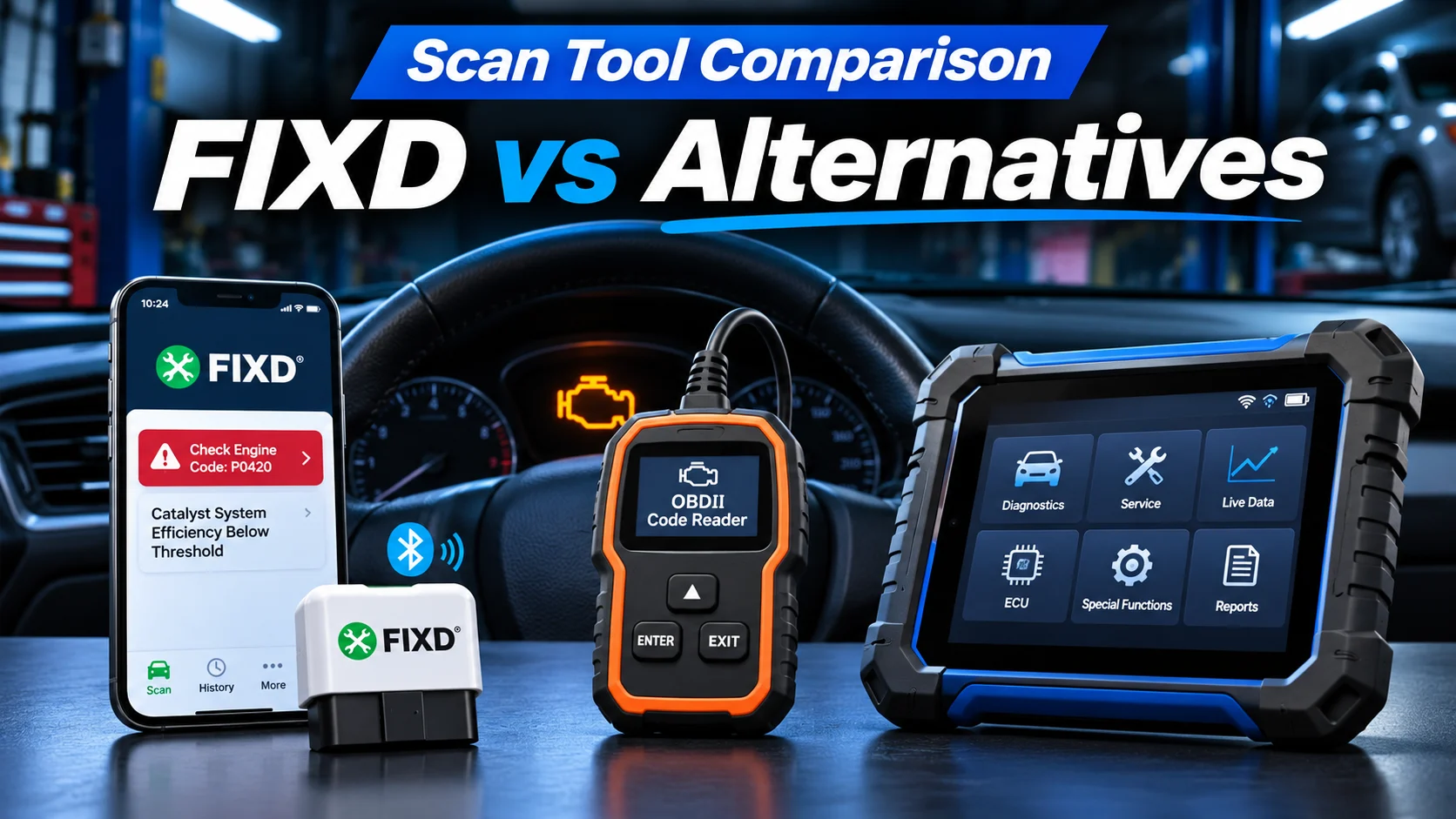
The FIXD scanner is designed around smartphone-based diagnostics and easy-to-understand explanations. But it is not the only choice. Traditional OBD2 readers, dedicated diagnostic tablets, and more advanced products such as the YOUCANIC scanner serve different needs.
This guide compares their diagnostic capabilities, ease of use, vehicle compatibility, and ongoing costs. It also explains what Subaru owners should check before buying a scan tool.
Quick answer: FIXD is worth considering if you want an approachable Bluetooth tool for checking engine trouble codes and monitoring basic vehicle data. A basic handheld reader may be sufficient if you only need fault codes, while an advanced scanner such as YOUCANIC may suit owners who need broader module access, service functions, and active tests. The best choice depends on the exact vehicle and systems you need to diagnose.
What Is the FIXD Scanner?
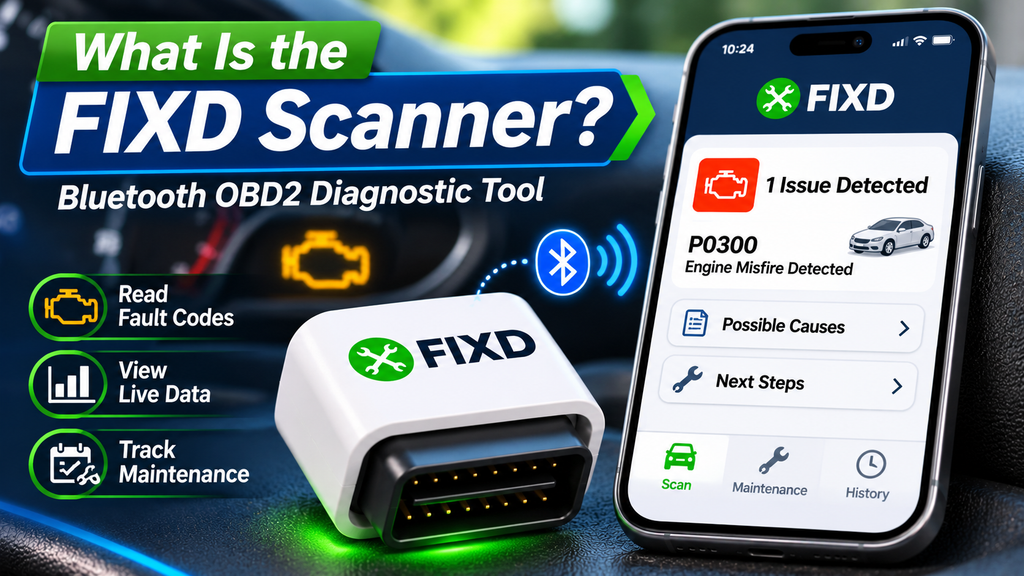
FIXD is a Bluetooth OBD2 diagnostic sensor that connects to a compatible vehicle’s onboard diagnostic port and communicates with an application on your smartphone.
Instead of showing only a diagnostic trouble code such as P0300, the FIXD app provides information intended to help ordinary drivers understand the fault. It is particularly relevant to owners who want to investigate an illuminated check-engine light without learning to operate a professional diagnostic tablet.
How the FIXD Scanner Works
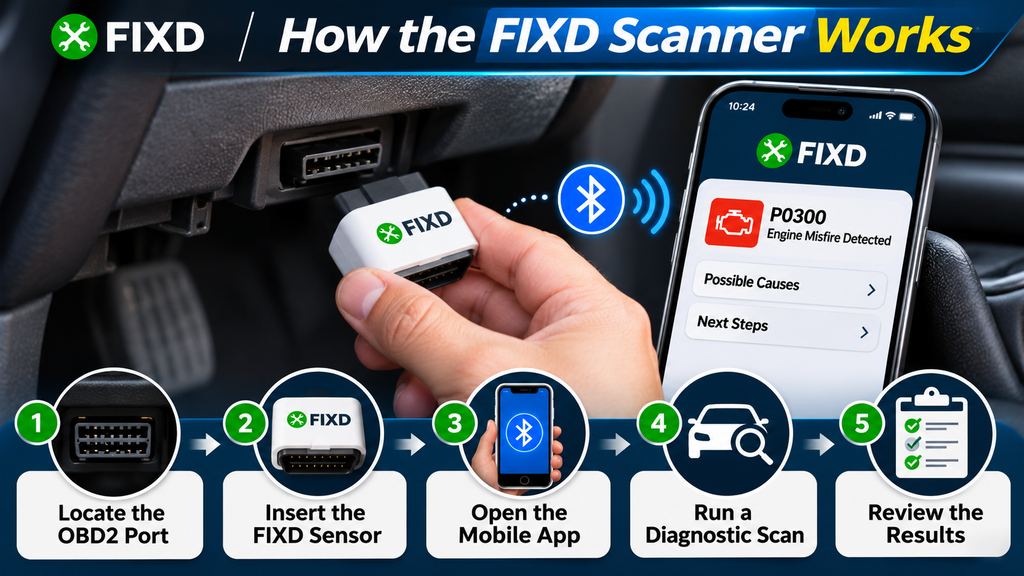
- Locate the OBD2 port. In many vehicles, the 16-pin connector is underneath the dashboard on the driver’s side.
- Insert the FIXD sensor. Follow the manufacturer’s instructions for ignition position and vehicle operation.
- Open the mobile app. Enable Bluetooth and follow the setup process on a compatible Android or iOS device.
- Run a diagnostic scan. The application requests supported diagnostic information from the vehicle.
- Review the results. Read the stored trouble codes, their descriptions, and any available supporting data.
A trouble code identifies a condition detected by the vehicle’s computers. It does not automatically confirm which component has failed.
FIXD Scanner Features, Benefits, and Limitations
Convenience
Bluetooth Connectivity
Use a smartphone to display diagnostic information without carrying a separate handheld screen.
Diagnostics
Trouble Code Reading
Access supported OBD2 diagnostic trouble codes and descriptions to help investigate a check-engine warning.
Vehicle Monitoring
Live Data
View supported parameters such as coolant temperature, sensor readings, and fuel-trim information.
Ownership
Maintenance Features
Use available app tools for vehicle maintenance tracking and additional guidance, subject to the selected service level.
What FIXD Does Well
- Provides a beginner-friendly interface for common diagnostic questions.
- Offers code descriptions rather than relying exclusively on technical identifiers.
- Uses a compact sensor that is easy to store.
- Can be useful across multiple compatible family vehicles.
- Provides basic scanning capabilities without necessarily requiring every paid feature.
Where FIXD Has Limitations
FIXD should not be assumed to replace a professional diagnostic tool. Some advanced functionality is restricted by the vehicle’s software, the supported modules, and the product’s capabilities.
For example, certain advanced scanners can command components to operate, perform supported service resets, or access specialized vehicle modules. These functions are different from reading standard engine fault codes.
FIXD also offers paid Premium features. Buyers should check what is included with the sensor, whether a trial is applied, and the subscription’s renewal and cancellation terms.
Important distinction: FIXD lists ABS code support for numerous manufacturers, including Subaru. However, supported systems and features must be checked for the exact vehicle before purchase.
FIXD vs Other OBD2 Scanners: Side-by-Side Comparison
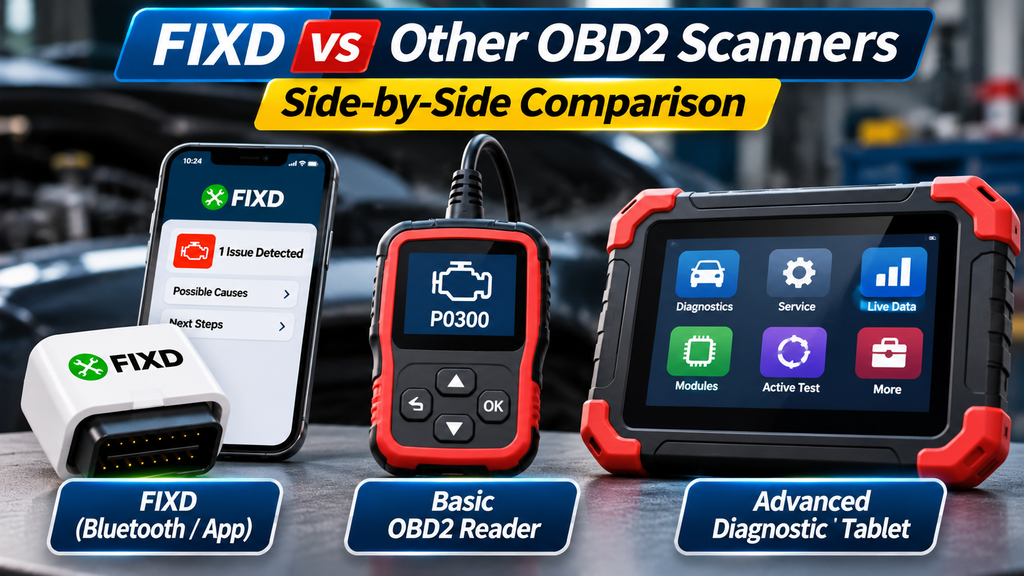
Not every scan tool is designed for the same job. A convenient code reader may be sufficient for one owner, while another needs advanced fault investigation across multiple electronic control units.
| Feature | FIXD | Basic OBD2 Reader | YOUCANIC UCAN-II-D Pro |
|---|---|---|---|
| Primary audience | Everyday drivers | Budget-conscious DIY owners | Advanced DIY users and technicians |
| Interface | Smartphone app | Built-in screen on typical models | Dedicated diagnostic device |
| Generic engine codes | Yes, for compatible vehicles | Yes, for compatible vehicles | Yes, for compatible vehicles |
| Plain-language guidance | App-based explanations | Varies by product | Diagnostic descriptions and supported guidance |
| ABS/SRS/module access | Selected enhanced coverage; verify details | Usually limited on basic readers | Broader manufacturer-specific coverage; verify vehicle |
| Bidirectional active tests | Not a core advertised capability | Generally unavailable | Advertised on supported systems |
| Service functions | Limited compared with advanced tools | Model dependent | Numerous supported service functions |
| Ongoing fees | Optional Premium subscription | Often no recurring fee | Manufacturer advertises free scanner updates |
| Best use | Checking common warnings | Reading and clearing basic codes | Deeper troubleshooting and maintenance |
These are product-category comparisons, not results from independent laboratory testing. Tool capabilities change with software updates and vehicle coverage, so specific functions should be confirmed before ordering.
FIXD vs YOUCANIC Scanner: Which Is Better?
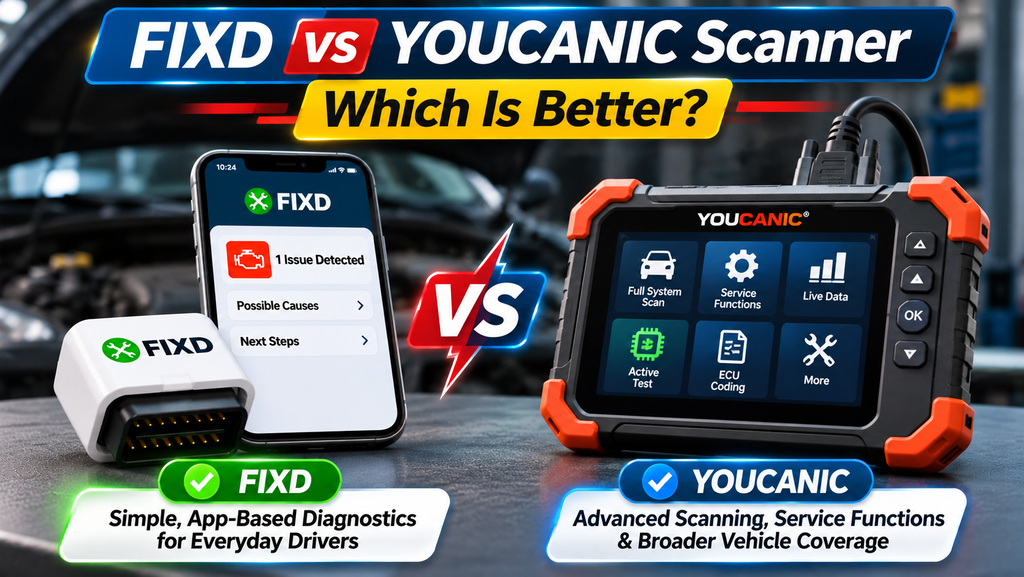
The YOUCANIC scanner and FIXD serve different customers. One prioritizes accessible smartphone-based information, while the other focuses on a broader diagnostic workflow.
FIXD: Better for Straightforward Engine Diagnostics
If you mainly need to understand why your check-engine light is on, FIXD may provide the simpler experience.
For instance, an owner encountering a generic misfire code can retrieve the code and review an explanation before deciding whether further testing or professional service is necessary.
However, the explanation should be treated as guidance. A misfire can result from ignition, fuel, mechanical, or other problems, and replacing parts without testing may waste money.
YOUCANIC: Better for Broader Diagnostic Work
The YOUCANIC UCAN-II-D Pro is marketed as an advanced scanner with full-system diagnostic coverage, bidirectional testing, and numerous service functions.
Depending on the vehicle, these capabilities may help with problems involving ABS, airbags, transmission controls, electronic parking brakes, and other electronic modules.
Bidirectional testing is particularly useful because it allows a compatible scanner to request certain vehicle components to operate. This can support a systematic diagnostic process when used correctly.
YOUCANIC also advertises free software updates for its scanner, although buyers should distinguish scanner updates from any optional mechanic-support services.
Which One Should You Choose?
Choose FIXD if: You mainly want a simple app-based approach to check-engine warnings, basic live data, and maintenance information.
Choose YOUCANIC if: You regularly work on vehicles, need supported system-level diagnostics, and can justify the higher upfront cost.
Choose neither automatically if: Your vehicle needs a specific manufacturer-level function that neither product explicitly confirms.
Best Subaru OBD2 Scanner: What Subaru Owners Need to Know
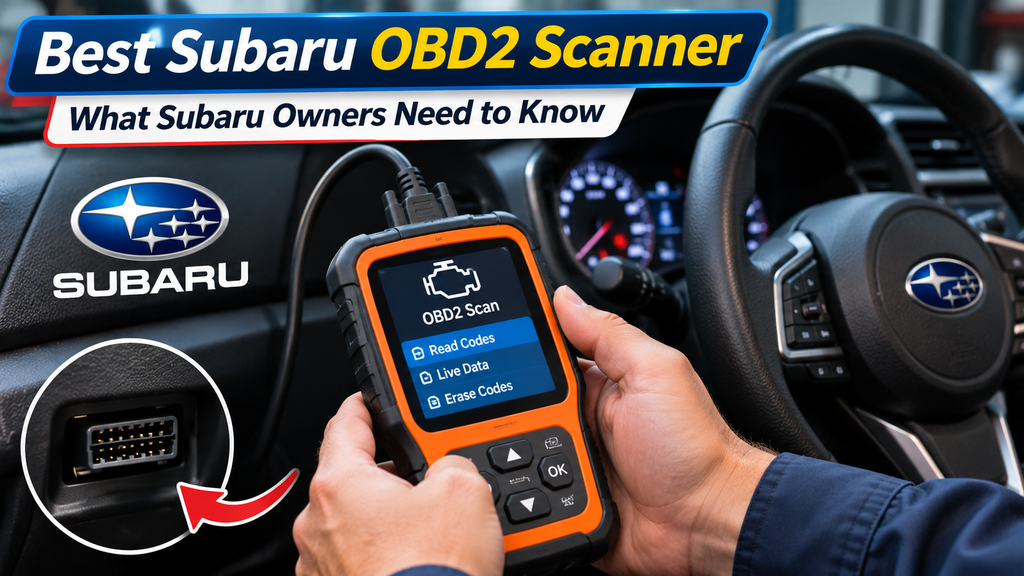
Choosing a Subaru OBD2 scanner requires more than checking whether the package says it supports Subaru vehicles.
Most gasoline-powered Subaru cars and light trucks originally sold in the United States from model year 1996 onward use standardized OBD2 diagnostics. However, basic OBD2 compatibility does not guarantee access to every Subaru control module.
Common Subaru Diagnostic Needs
- Engine and emissions: Check-engine codes, sensor data, and readiness monitors.
- ABS and stability control: Wheel-speed sensor and braking-system faults.
- Airbag system: Supplemental restraint system trouble codes.
- Transmission: Supported transmission control module faults and data.
- Service procedures: Functions such as electronic parking brake servicing or other supported maintenance operations.
Some Subaru owners may encounter simultaneous warning lights involving the check-engine system, stability control, or other systems. Multiple illuminated warnings do not necessarily mean several unrelated parts have failed.
Subaru Scanner Compatibility Checklist
- Confirm your Subaru’s exact model, model year, and engine.
- Check whether the scanner supports generic OBD2 or enhanced Subaru diagnostics.
- Verify access to the specific module causing concern.
- Check whether the desired function is read-only, a reset, or an active test.
- Confirm compatibility with the scanner’s current software.
- Review the seller’s return policy if compatibility is uncertain.
A FIXD sensor may be enough for a Subaru owner interested primarily in engine warnings. Someone investigating complex ABS, transmission, or electronic-system issues may benefit from a more capable device with verified coverage.
How Much Does a Diagnostic Scanner Really Cost?
The purchase price alone does not determine whether an automotive scanner is good value. Some products have low initial prices but offer additional paid features, while advanced scanners can require a larger one-time investment.
| Cost Factor | What to Check | Why It Matters |
|---|---|---|
| Initial purchase | Current scanner price | Determines initial investment |
| App subscription | Optional and paid features | May increase ongoing costs |
| Software updates | Included or paid | Can affect future vehicle coverage |
| Diagnostic coverage | Supported systems and functions | Determines practical usefulness |
| Accessories | Adapters, cables, or compatible devices | May affect total setup cost |
A Simple Three-Year Cost Example
Suppose one diagnostic tool costs $50 initially and includes an optional subscription costing $70 per year. If you choose and maintain that subscription for three years, your total spending would be:
Illustrative calculation:
Device cost: $50
Three years of subscription: $210
Total: $260
These are hypothetical figures, not current FIXD pricing. The example shows why it is important to compare total ownership costs rather than looking only at the device’s advertised price.
How to Use an OBD2 Scanner Safely
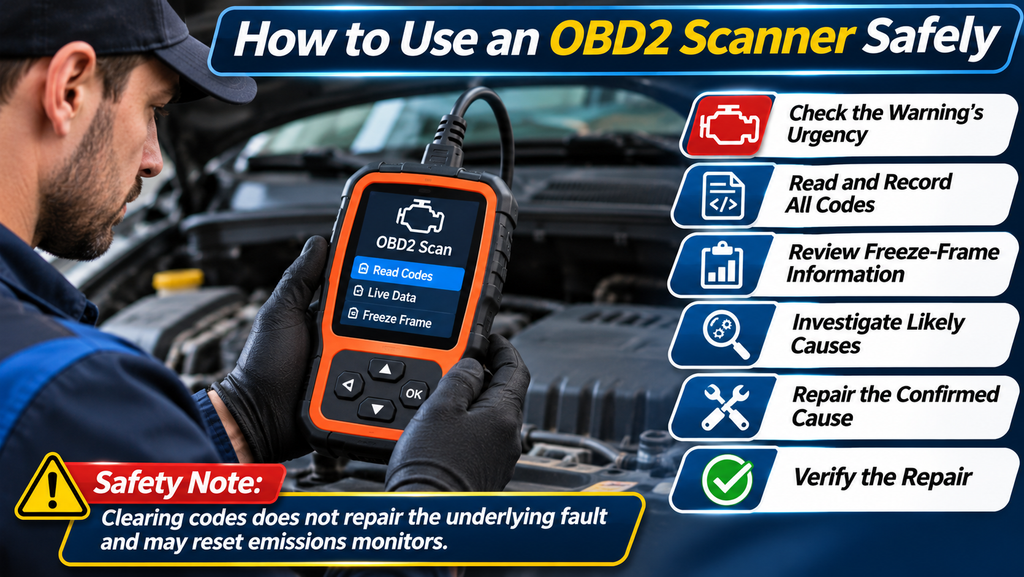
Learning to interpret scan-tool information is more important than simply knowing how to erase fault codes.
- Check the warning’s urgency. A flashing check-engine light, severe misfire, overheating, or noticeable loss of power may require stopping safely and arranging assistance.
- Read and record all relevant codes. Save stored, pending, and permanent code information where supported.
- Review freeze-frame information. This may show operating conditions when a fault was detected.
- Investigate likely causes. Use the vehicle’s service information and appropriate inspection or testing.
- Repair the confirmed cause. Do not replace a component simply because its name appears in a code description.
- Verify the repair. Confirm normal operation and follow the relevant diagnostic verification procedures.
Safety note: Clearing codes does not repair the underlying fault. It may also reset emissions readiness monitors. Never erase codes to conceal a problem from a buyer, defeat an inspection, or ignore a potentially unsafe vehicle condition.
Five Mistakes to Avoid When Buying an OBD2 Scanner
1. Assuming Every Scanner Reads Every Module
Generic engine diagnostics and manufacturer-specific module access are different features. Confirm the actual supported systems.
2. Choosing Only by Price
An inexpensive reader can be a good purchase when its capabilities match your needs. It becomes poor value if you repeatedly need functions it cannot provide.
3. Overlooking Subscriptions
Check whether the feature you want is included with the device or requires a recurring payment.
4. Confusing Code Reading With Diagnosis
A fault code is evidence of a detected problem, not a guaranteed diagnosis. Accurate repairs often require further testing.
5. Ignoring Model-Specific Compatibility
A scanner might communicate with a Subaru’s engine computer without supporting a specific transmission, ABS, or service procedure.
Which Automotive Scanner Should You Buy?
The most practical purchasing decision starts with identifying your actual use case.
Occasional Driver
Consider FIXD
Suitable for someone who wants a straightforward mobile interface, common check-engine diagnostics, and accessible explanations.
Budget DIY Owner
Consider a Basic OBD2 Reader
A straightforward handheld reader may be enough for owners who only need standard engine codes and emissions-related information.
Experienced DIY Owner
Consider YOUCANIC
Potentially useful for owners who perform more complex maintenance and need confirmed access to additional vehicle systems.
Before making the final decision, identify the three functions you will use most often, compare verified vehicle coverage, and calculate the cost of keeping the tool for several years.
Frequently Asked Questions
Is the FIXD scanner worth buying?
FIXD can be worthwhile for drivers who prefer smartphone-based code reading and accessible explanations. Its value depends on your vehicle, desired features, subscription preferences, and the alternative tools available at similar total costs.
Does FIXD work on Subaru vehicles?
FIXD supports many compatible OBD2-equipped Subaru vehicles and lists Subaru among manufacturers with ABS code support. However, individual diagnostic functions and vehicle compatibility should be verified before purchasing.
Does FIXD require a monthly subscription?
The FIXD app provides basic OBD2 scanning capabilities without requiring all Premium features. Optional Premium services may involve recurring charges. Check the current purchase, trial, renewal, and cancellation terms before signing up.
Is the YOUCANIC scanner better than FIXD?
YOUCANIC’s advanced models advertise broader diagnostic functionality, including full-system scanning and bidirectional testing. FIXD focuses more on accessible smartphone-based diagnostics. Neither is universally better for every driver.
Can FIXD diagnose transmission problems?
Its ability to identify particular transmission-related faults depends on the type of code and supported vehicle coverage. Do not assume that standard OBD2 code reading provides comprehensive transmission-module diagnostics.
Can an OBD2 scanner tell me exactly what is wrong with my car?
Not necessarily. A scanner retrieves diagnostic information that helps narrow down possible faults. Further inspection and testing may be required to confirm the cause and choose the correct repair.
Can a scanner diagnose a weak car battery?
Some tools display module voltage information, but a voltage reading alone cannot reliably determine battery health. A proper battery test may require a dedicated tester, suitable charging-system checks, or professional evaluation.
Which scanner is best for a beginner?
A beginner who values plain-language explanations may prefer FIXD, while someone who only needs standard fault codes could choose a simpler handheld reader. Consider ease of setup, compatibility, and ongoing costs.
Final Verdict: FIXD vs Alternatives
There is no single best diagnostic scanner for every car owner. FIXD makes sense for drivers who value convenience and approachable code explanations. Basic OBD2 readers remain useful for inexpensive engine diagnostics, while advanced devices such as YOUCANIC can offer expanded functions for more involved vehicle maintenance.
For Subaru owners, compatibility deserves special attention. Verify the supported systems and model-year coverage rather than relying on a general statement that a tool works with Subaru.