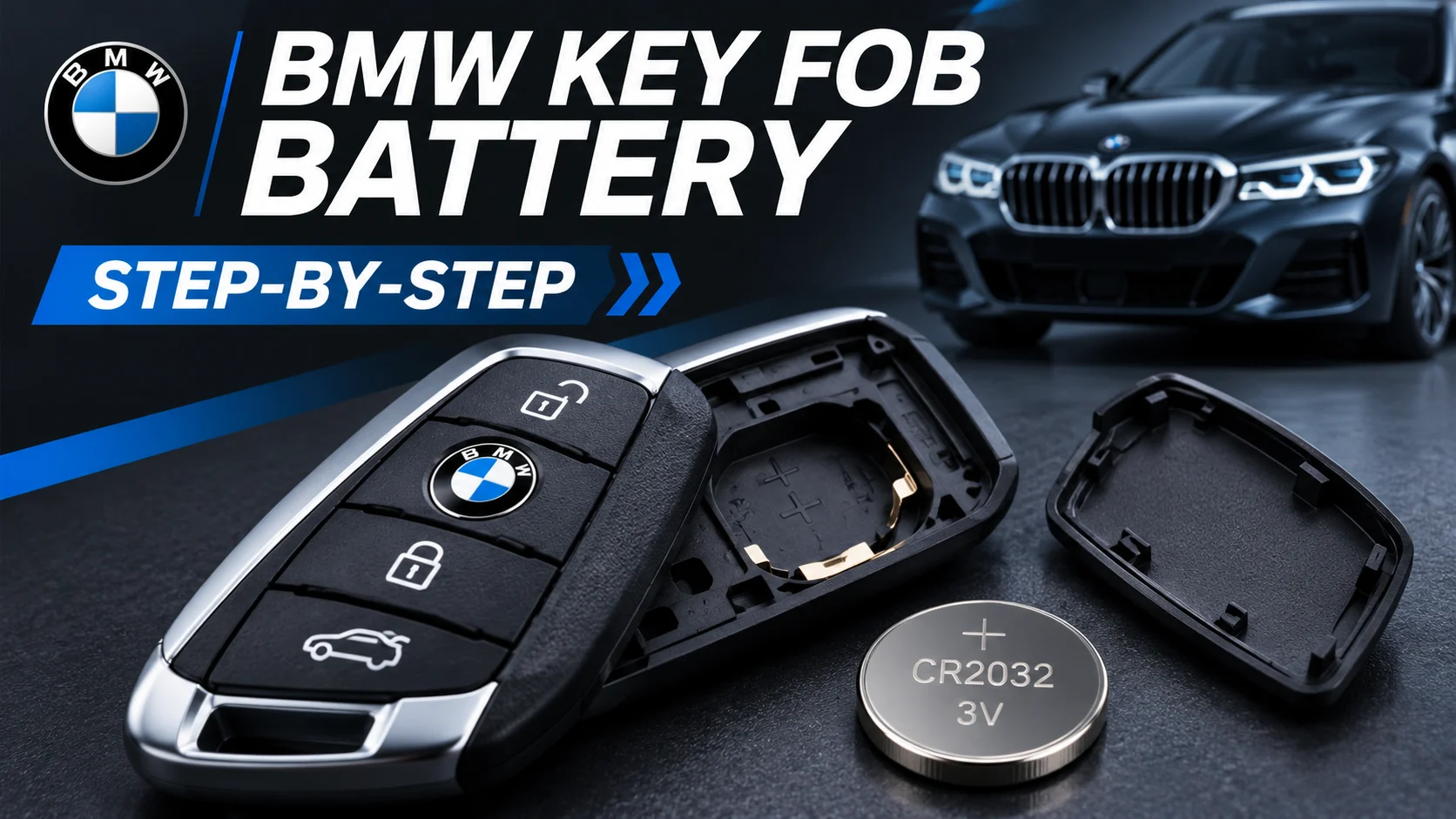

Is your BMW key fob suddenly responding slowly, refusing to unlock the doors, or showing a low-battery warning? A weak remote battery is a common possibility, and many BMW owners can replace it at home without special equipment.
This guide explains BMW key fob battery replacement in six simple steps. You’ll learn how to identify the correct battery, open a compatible key safely, install a fresh coin cell, and troubleshoot problems afterward.
Quick Answer: How Do You Change a BMW Key Battery?
For a BMW remote with a user-replaceable CR2032 battery, remove the integrated mechanical key, open the battery cover, take out the old battery, insert a matching new battery with the correct polarity, and reassemble the remote. The precise opening method varies by key design.
What Battery Does a BMW Key Fob Use?
Many modern BMW remotes use a CR2032 3V lithium coin battery. However, the correct battery depends on the specific key design rather than the BMW model name alone.
Before purchasing a replacement, check the owner’s manual or the marking on the original battery. Older rechargeable keys and BMW Display Keys require different handling.
| BMW Key Type | Battery | What to Do |
|---|---|---|
| Modern replaceable-battery remote | Often CR2032 | Follow the correct battery-cover procedure |
| Older rechargeable BMW key | Internal rechargeable battery | Seek specialist help if the battery fails |
| BMW Display Key | Rechargeable battery | Use its supported charging method |
| Other BMW remote designs | Varies | Verify the manual or existing battery |
Important Compatibility Note
Do not assume every BMW remote uses a CR2032. The procedure below is intended for keys with an accessible, user-replaceable coin-cell compartment. Never force open a sealed rechargeable key.
Tools Needed to Replace a BMW Key Fob Battery
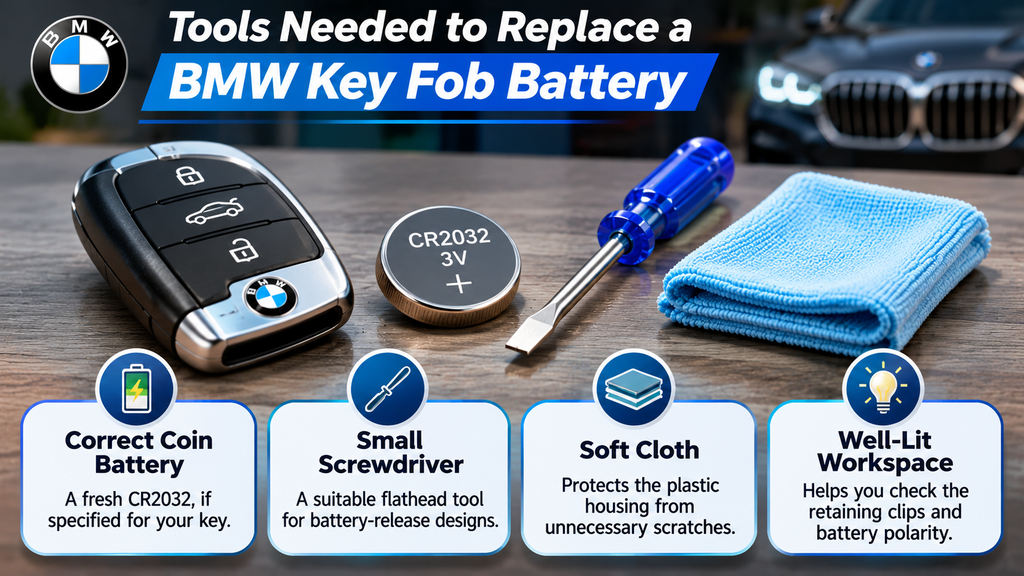
You normally need only a few basic items. Preparing them beforehand helps protect the key housing and prevents small components from being misplaced.
Correct Coin Battery
A fresh CR2032, if specified for your particular key.
Small Screwdriver
A suitable flathead tool for supported battery-release designs.
Soft Cloth
Protects the plastic housing from unnecessary scratches.
Well-Lit Workspace
Helps you check the retaining clips and battery polarity.
How to Replace a BMW Key Fob Battery: 6 Easy Steps
Follow these instructions only after confirming that your remote has a replaceable coin-cell battery. Some covers open differently, so consult the key-specific manual whenever the housing does not match the descriptions.
1. Remove the Mechanical Key
Locate the release button on your BMW remote. Press the button while gently pulling out the integrated mechanical key. This emergency key is normally hidden inside the remote housing.
On many compatible designs, removing the mechanical key provides access to the battery-cover release mechanism.
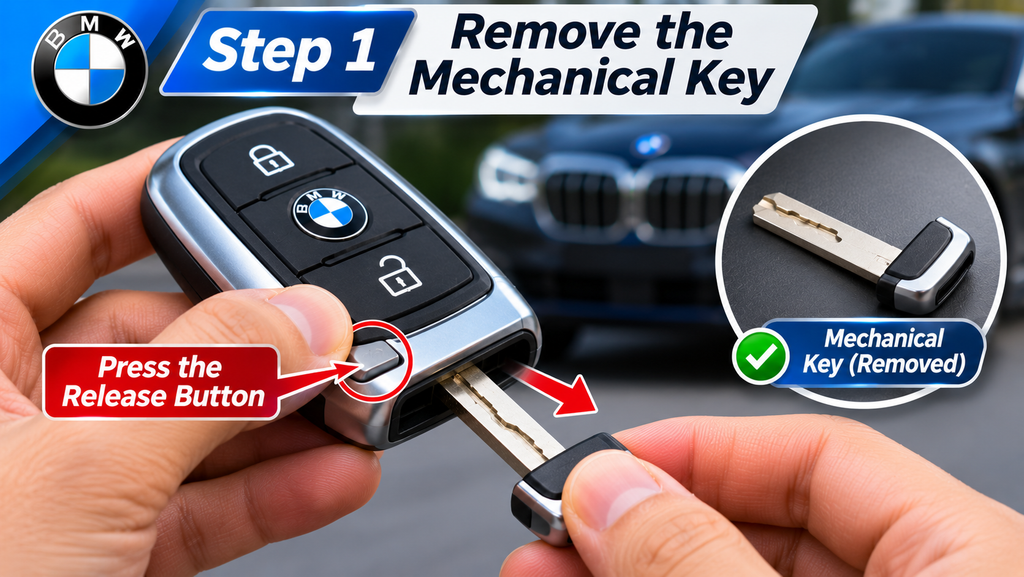
Place the metal key on a clean surface. If it feels stuck, recheck the release button rather than pulling harder.
Helpful tip: Avoid twisting the mechanical key while removing it, as this may stress the retaining mechanism.
2. Open the BMW Key Fob Battery Cover
Turn the remote over and locate the designated battery-cover release point. On supported BMW designs, the rear cover can be lifted or released after removing the integrated key.
Use the appropriate release method described in your owner’s manual. Apply gentle pressure and avoid inserting tools into random seams around the plastic housing.
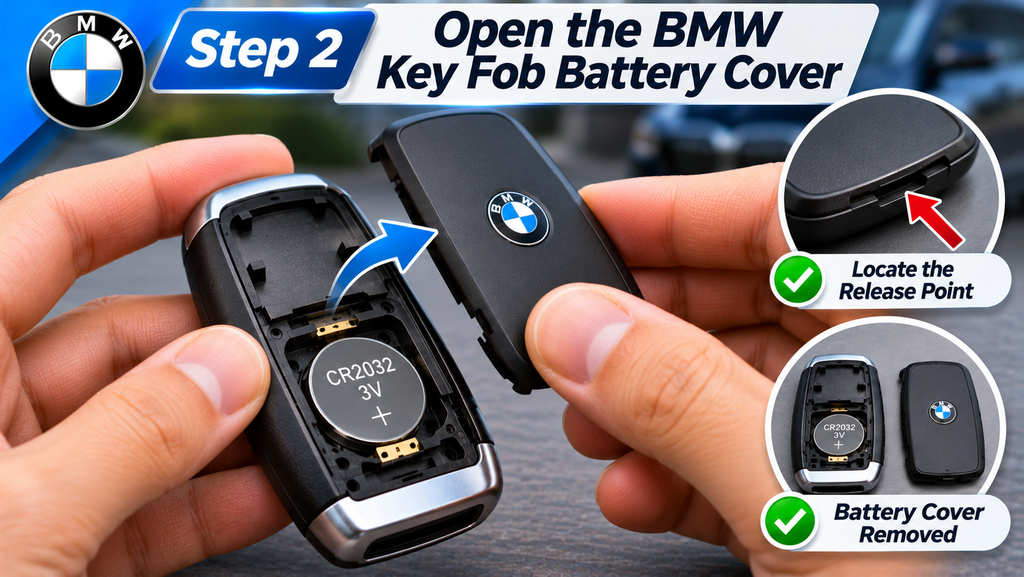
Once the cover is removed, look for the circular coin-cell battery. Leave the circuit board and other internal components undisturbed.
3. Remove the Old Battery
Before touching the battery, observe its position and the polarity markings. On many BMW coin-cell compartments, the positive face is visible, but you should follow the marking on your specific remote.
Release the battery using the appropriate access point and gently remove it. Do not bend its metal retaining contacts.
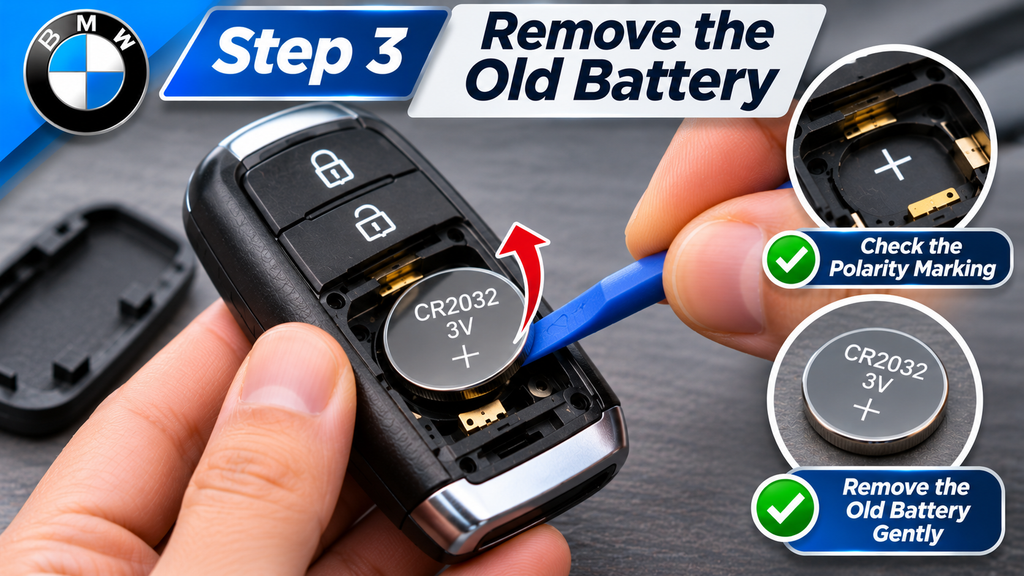
Keep the removed battery away from children and pets. Used lithium coin batteries should be handled and disposed of according to local battery recycling guidance.
4. Install the New BMW Key Battery
Confirm that the replacement matches the original battery number. If your remote specifies a CR2032, use a fresh CR2032 with the appropriate voltage and dimensions.
Insert the new battery in the correct orientation, following the compartment’s polarity markings. It should fit securely without being forced or tilted.
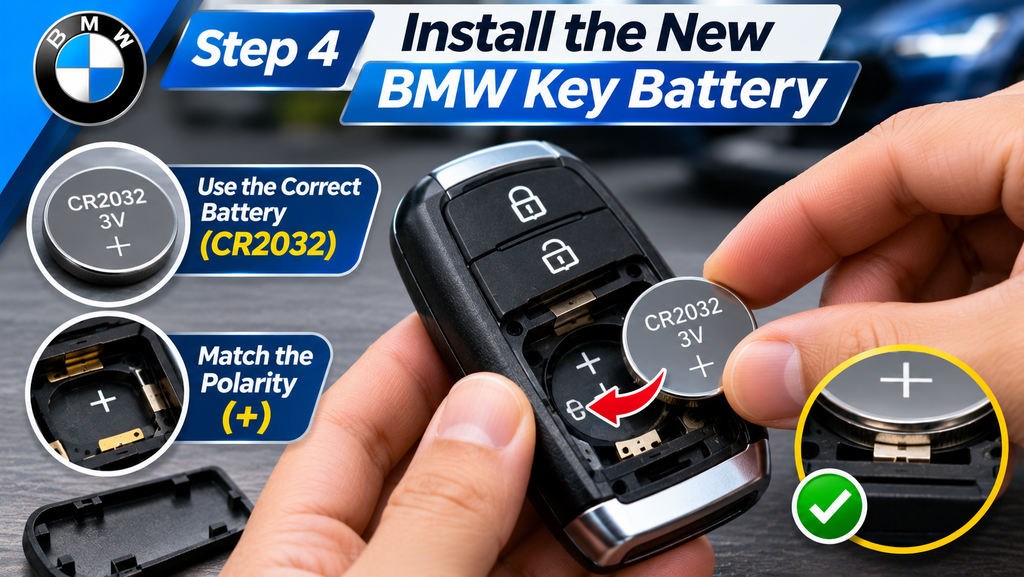
If the battery does not sit properly, remove it and inspect the retaining clips. Never bend the contacts simply to make an incorrect battery fit.
Battery safety: Keep new and used coin cells out of children’s reach. If a battery is swallowed or inserted into the body, seek emergency medical care immediately.
5. Close and Reassemble the BMW Remote
Align the rear cover with the remote housing. Press or slide it into its original position until the clips engage securely.
Reinsert the mechanical key and verify that it locks into place. Check that the battery cover is flush and no housing gap remains.
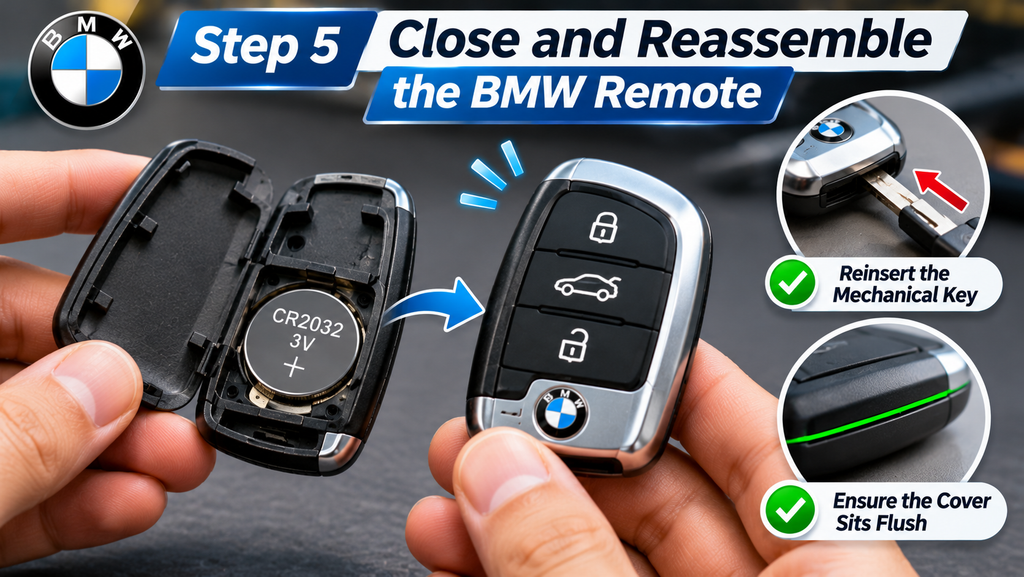
If the housing does not close properly, do not force it. Check for incorrect battery placement or misaligned plastic clips.
6. Test the BMW Key Fob
Stand near your BMW and press the unlock button. Confirm that the vehicle responds, then test the lock button and other supported remote functions.
If your vehicle has Comfort Access, check whether the keyless-entry system works normally. Also verify whether the low-battery warning has disappeared.
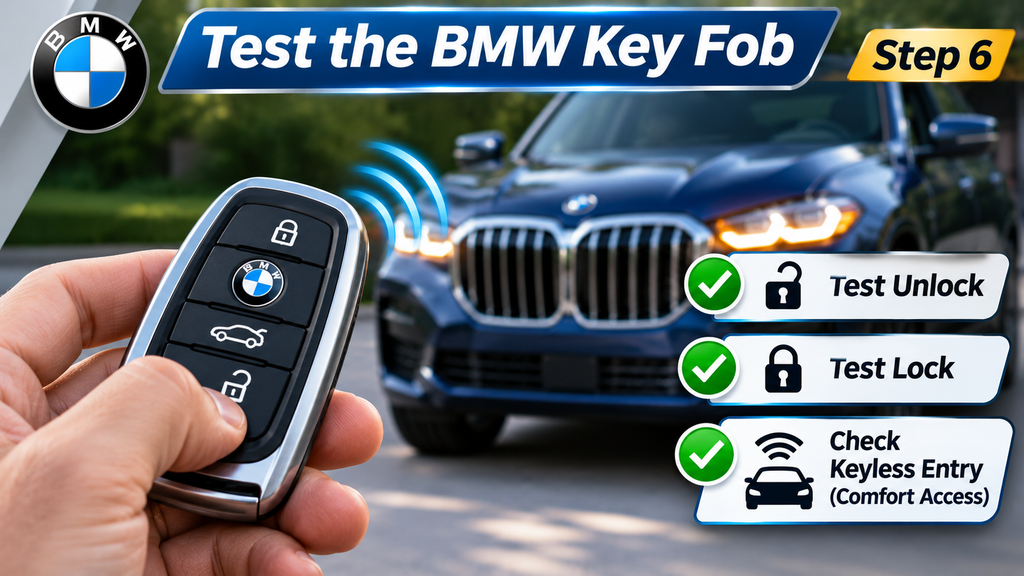
A correctly installed battery should restore normal operation when the depleted battery was the original cause. If problems remain, continue with the checks below.
Why Is My BMW Key Fob Not Working After Battery Replacement?
Sometimes a new battery does not immediately restore remote operation. This does not necessarily mean your BMW key needs reprogramming.
Start with simple checks, such as battery orientation and contact placement. Then investigate possible damage, interference, or key recognition issues.
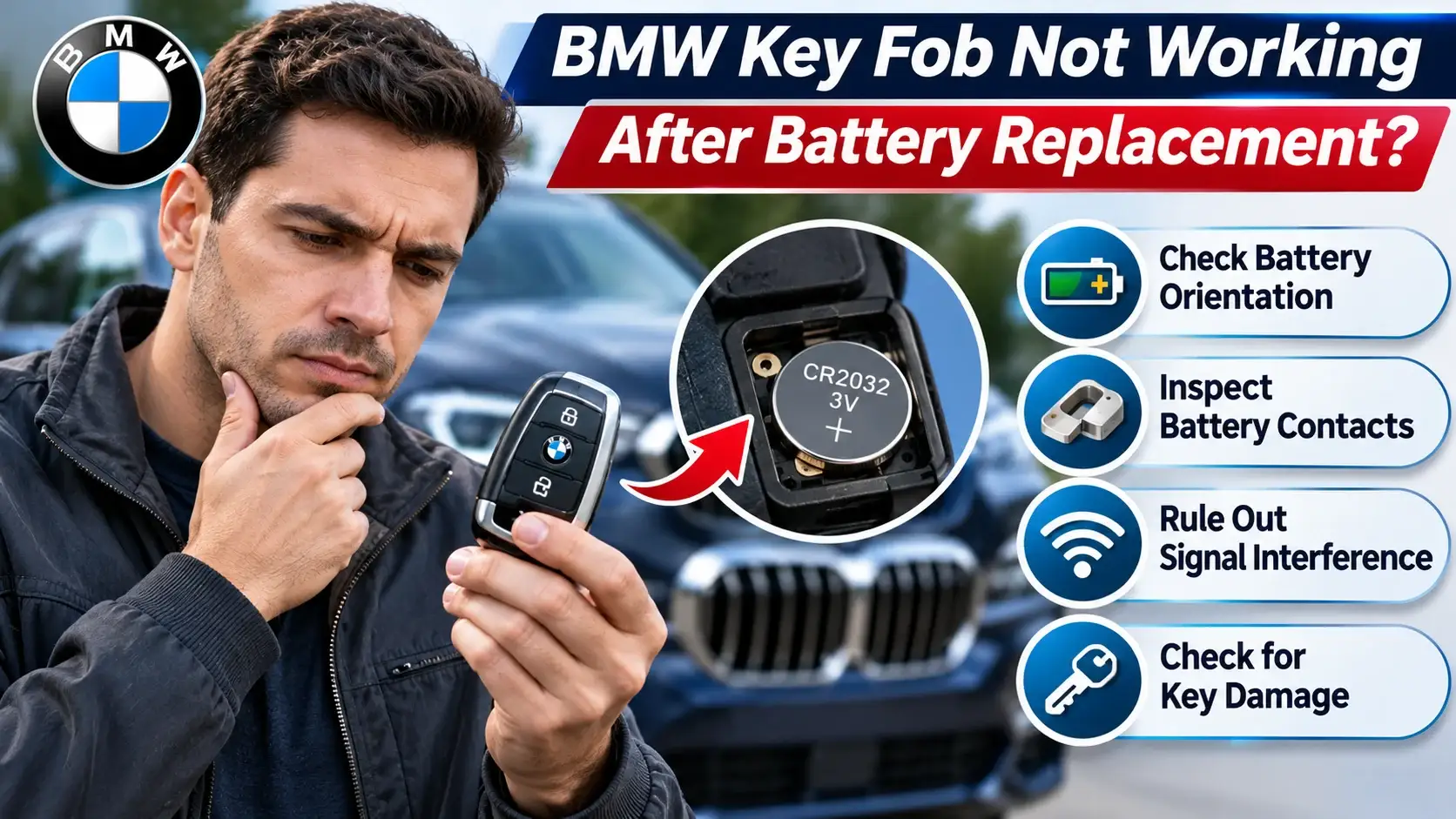
| Problem | Recommended Check |
|---|---|
| Battery installed backward | Verify the positive and negative polarity markings. |
| Incorrect battery size | Confirm the battery number matches the original specification. |
| Loose battery | Check the retaining clips and battery seating. |
| Defective replacement cell | Try another fresh battery of the correct type. |
| Wireless interference | Move away from electronic devices or large metal objects. |
| Remote damage | Consult a qualified BMW specialist. |
Do BMW Keys Need Reprogramming After Battery Replacement?
Normally, changing the coin-cell battery in an existing, properly paired BMW key does not require reprogramming. Its authorization information is not ordinarily erased when the battery is removed.
If the remote stops responding after replacement, check the battery and installation first. If the vehicle continues to report that the key is missing, follow the model-specific emergency recognition instructions in your owner’s manual.
What If Your BMW Doesn’t Recognize the Key?
Many BMW vehicles provide an emergency key detection point near the steering column. Its exact position and use vary by model. Consult your vehicle’s manual for the correct emergency starting procedure rather than attempting a generic programming sequence.
How Long Does a BMW Key Fob Battery Last?
Battery life varies depending on how often you use the remote, its electronic features, environmental conditions, and the quality of the replacement cell. A standard coin battery may operate for several years, but there is no fixed replacement interval for all BMW keys.
Common reasons to check the battery include reduced operating range, intermittent locking or unlocking, and a low-battery warning on the vehicle display.
How to Help Your BMW Remote Battery Last Longer
- Use the correct battery type specified for your remote.
- Keep the key away from excessive heat and moisture.
- Avoid storing the remote where buttons are constantly pressed.
- Keep the battery compartment clean and securely closed.
- Investigate sudden battery drain instead of repeatedly replacing batteries.
Frequently Asked Questions
Can I replace my BMW key fob battery myself?
Yes. Many BMW remotes have user-replaceable coin-cell batteries. Confirm your key design and follow the appropriate procedure before opening the housing.
Do all BMW key fobs use CR2032 batteries?
No. Many modern BMW remotes use a CR2032, but some designs have different battery arrangements or rechargeable internal batteries.
Will changing a BMW key battery erase its programming?
Normally, no. Replacing a coin battery should not erase the authorization information stored in an existing paired remote.
Can a dead BMW key battery prevent the car from starting?
A depleted battery can interfere with normal wireless key recognition. Many BMW models have an emergency recognition procedure that can help when the remote battery is depleted.
Why does my BMW still show a low-key-battery warning?
Check that the replacement battery is correct, fresh, and properly seated. If the warning continues, additional key or vehicle diagnosis may be necessary.
How much does it cost to replace a BMW key battery?
A standard coin-cell battery is usually inexpensive, making DIY replacement economical. Professional replacement or repair costs vary according to the remote design and the work required.
Final Thoughts
Learning how to change the battery in a BMW key fob can save you an unnecessary service visit when your remote uses a standard replaceable coin cell. Identify the correct battery, open the cover carefully, install the new battery with proper polarity, and test the remote before considering more complicated repairs.
If your BMW uses a rechargeable or sealed key, follow its specific service instructions. When the remote remains unresponsive despite correct installation, a qualified technician can help identify the underlying problem.